Fantasy Map Builder
Build the world you image without learning to draw.

$39
Create unlimited maps for your world
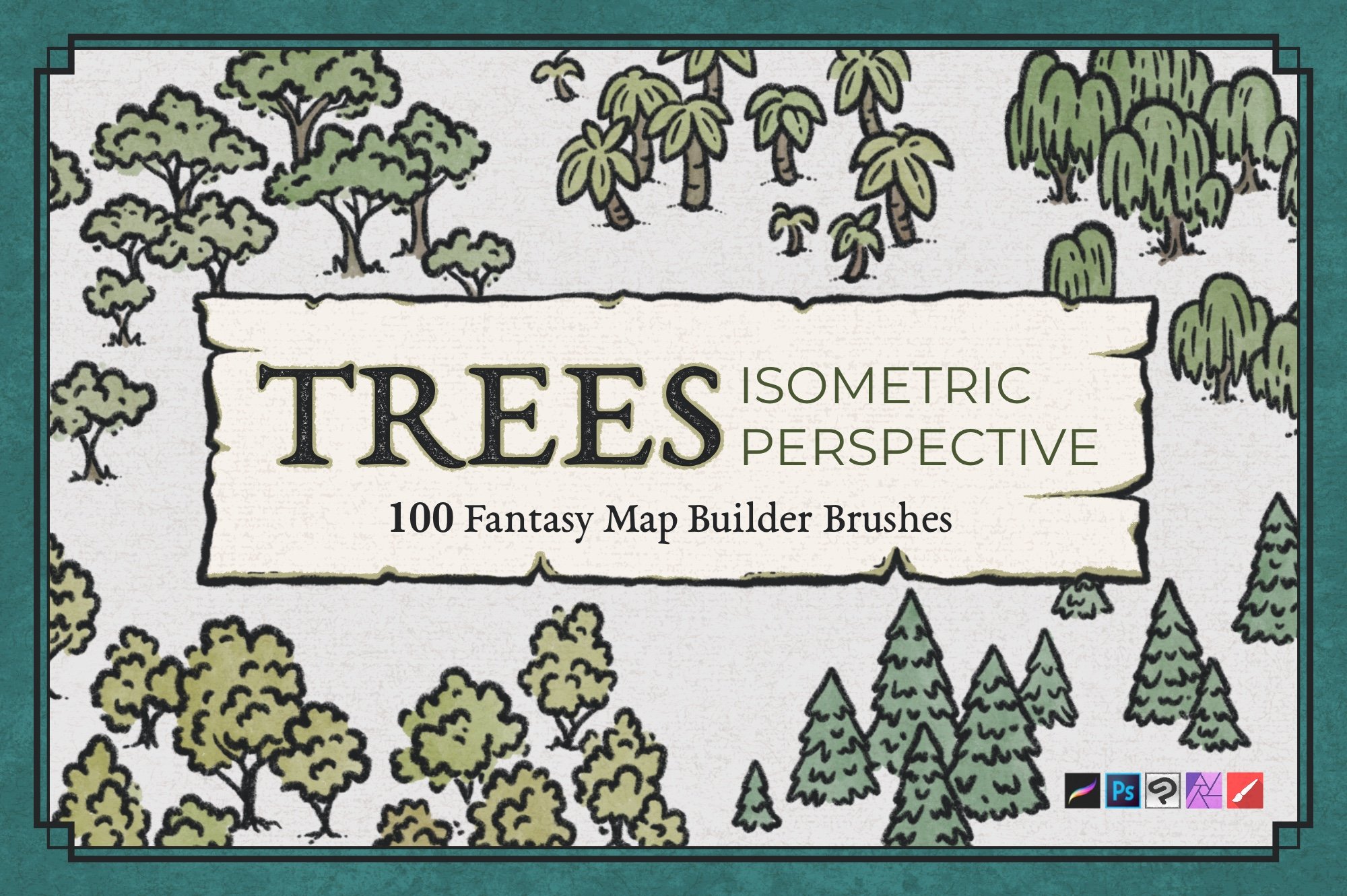
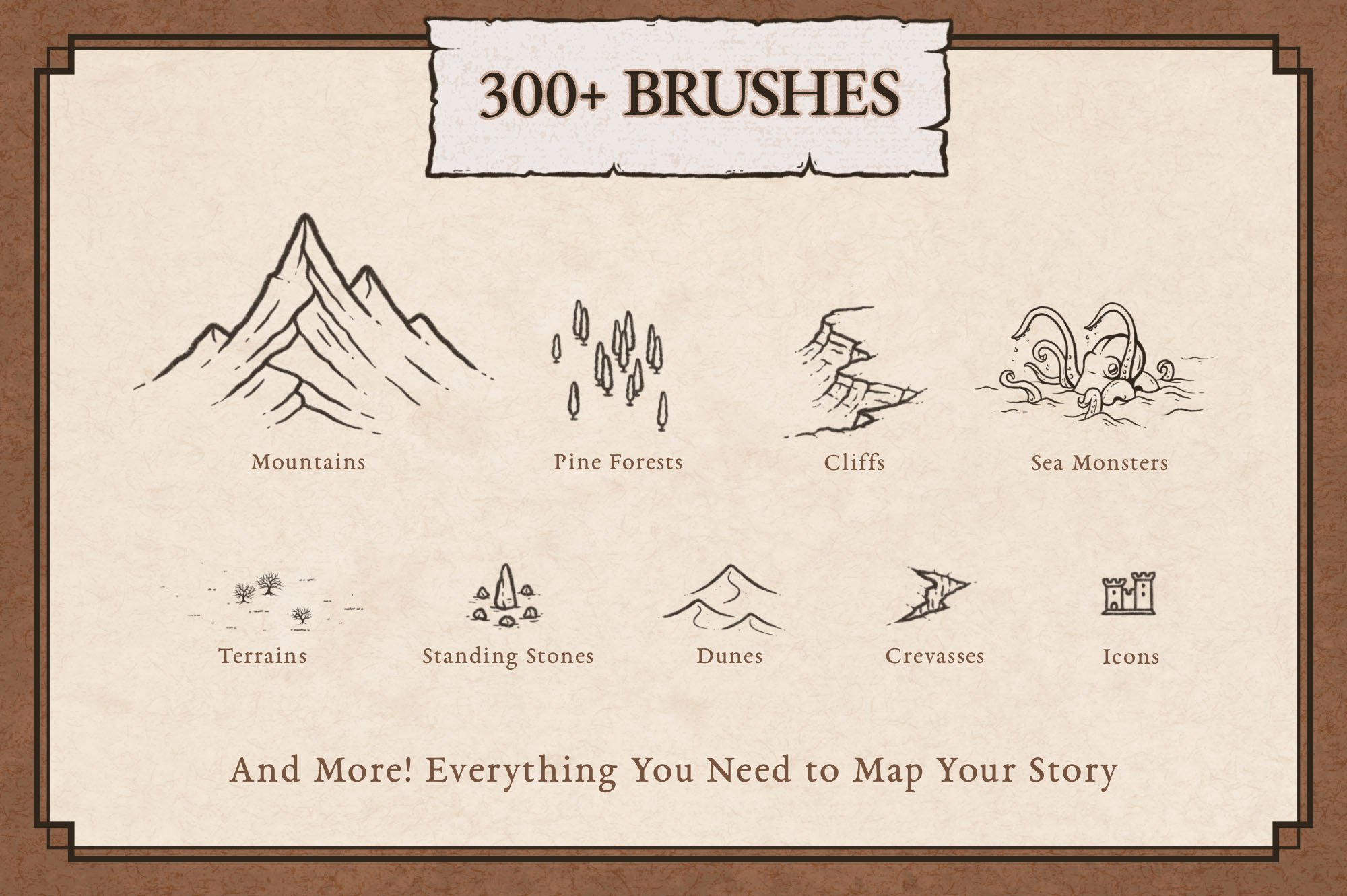
300+ Hand Drawn Fantasy Map Assets
Compatible with Procreate, Photoshop, Affinity, Clip Studio Paint, Infinite Painter
One Time Purchase. No Subscription
Commercial Use Included
✦ The First Map Promise
Create your first map with the Fantasy Map Builder. If you don’t create something you’re genuinely proud of within 30 days, I’ll give you your money back.
★★★★★
“I was just learning how to use the app. The brushes made it so much easier to create my fantasy map!”
Koda, Verified Buyer
★★★★★
“The Fantasy Map Builder enabled me to create a detailed world in a matter of hours rather than days.”
Annica, Verified Buyer
★★★★★
“This has made my world building much more simple!”
Kyle, Verified Buyer
One Map Builder, Unlimited Worlds
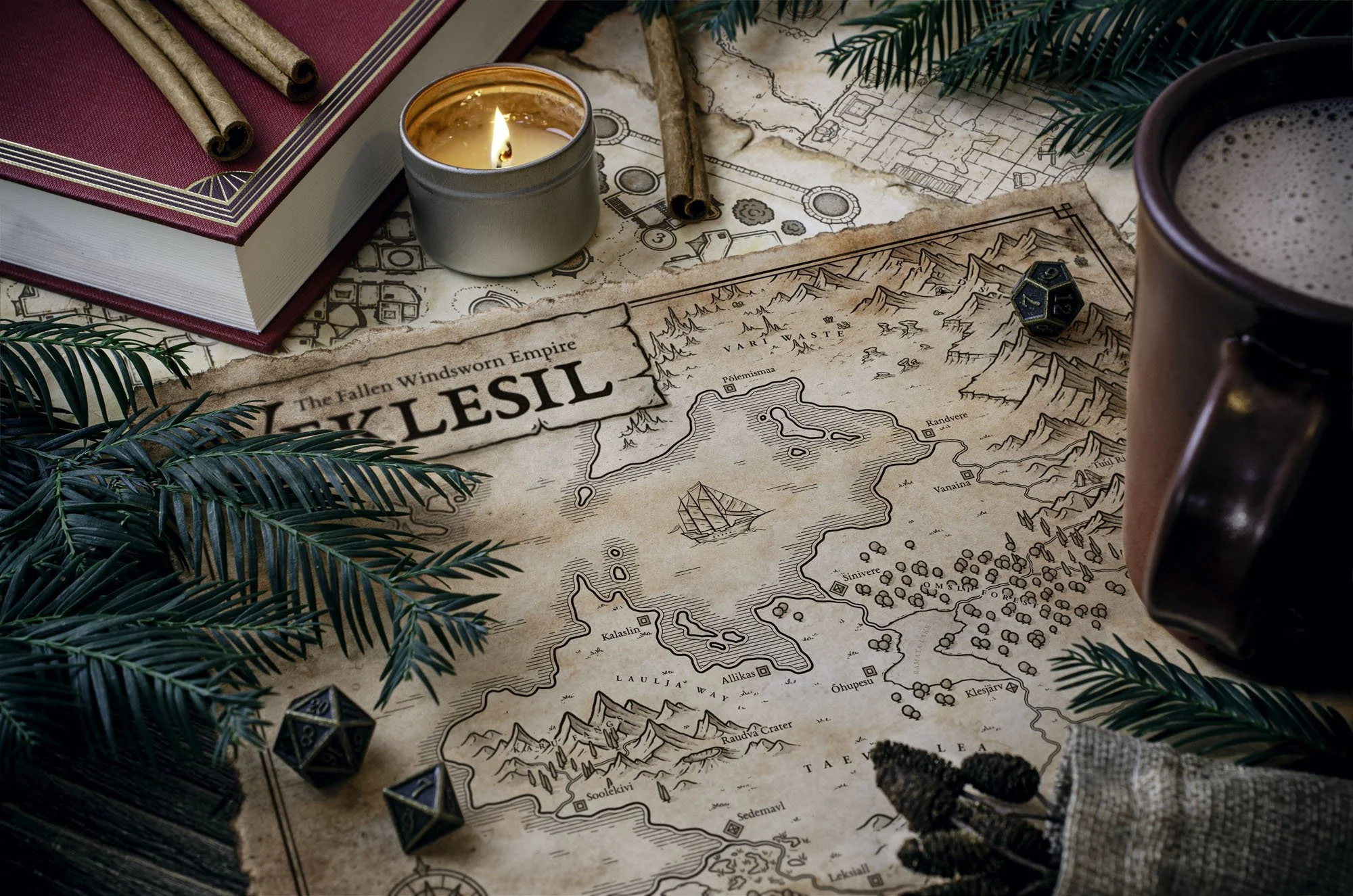
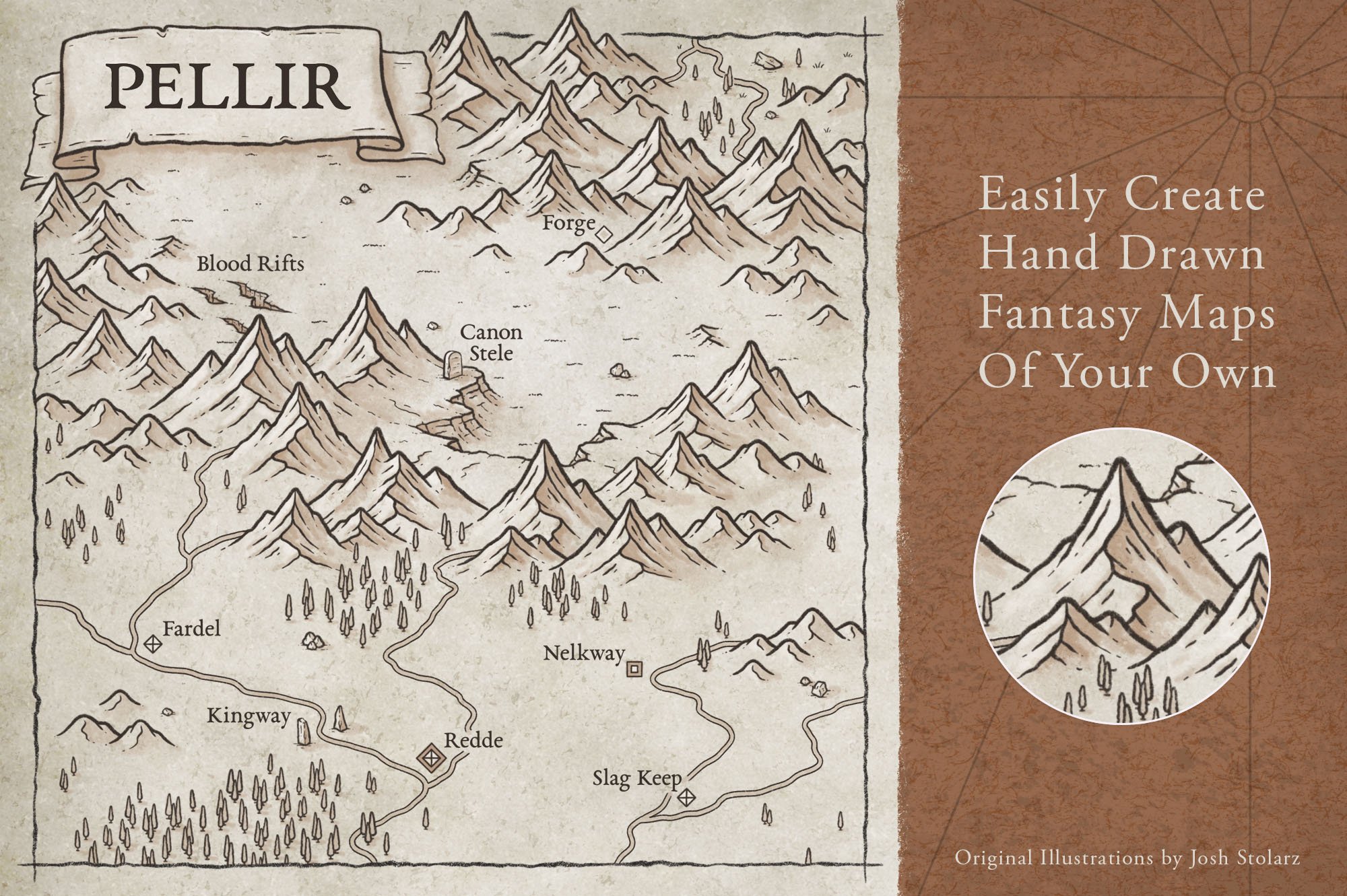
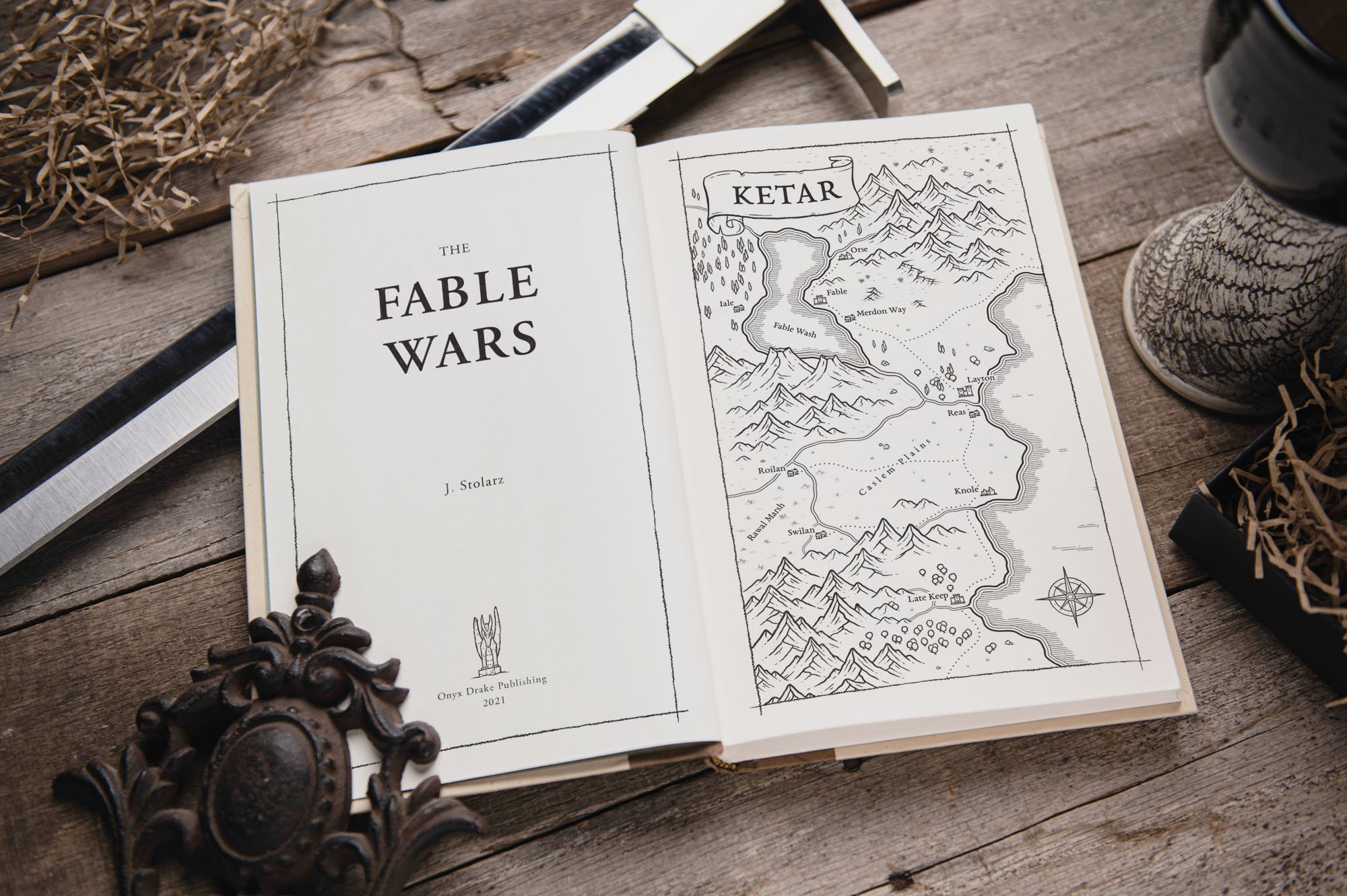
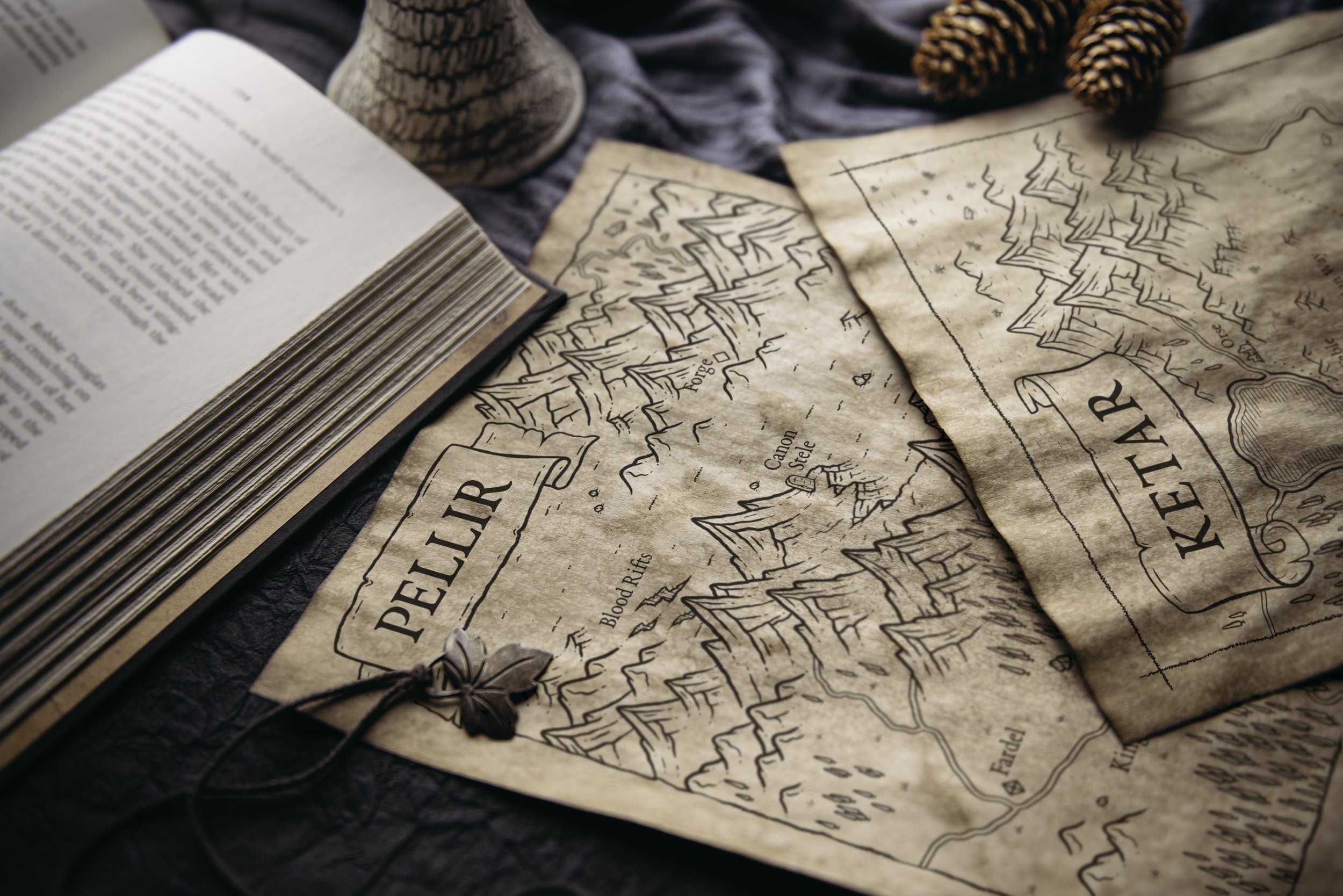
Every map below was created with the Fantasy Map Builder. What the world becomes is entirely up to you.

Tim Washington
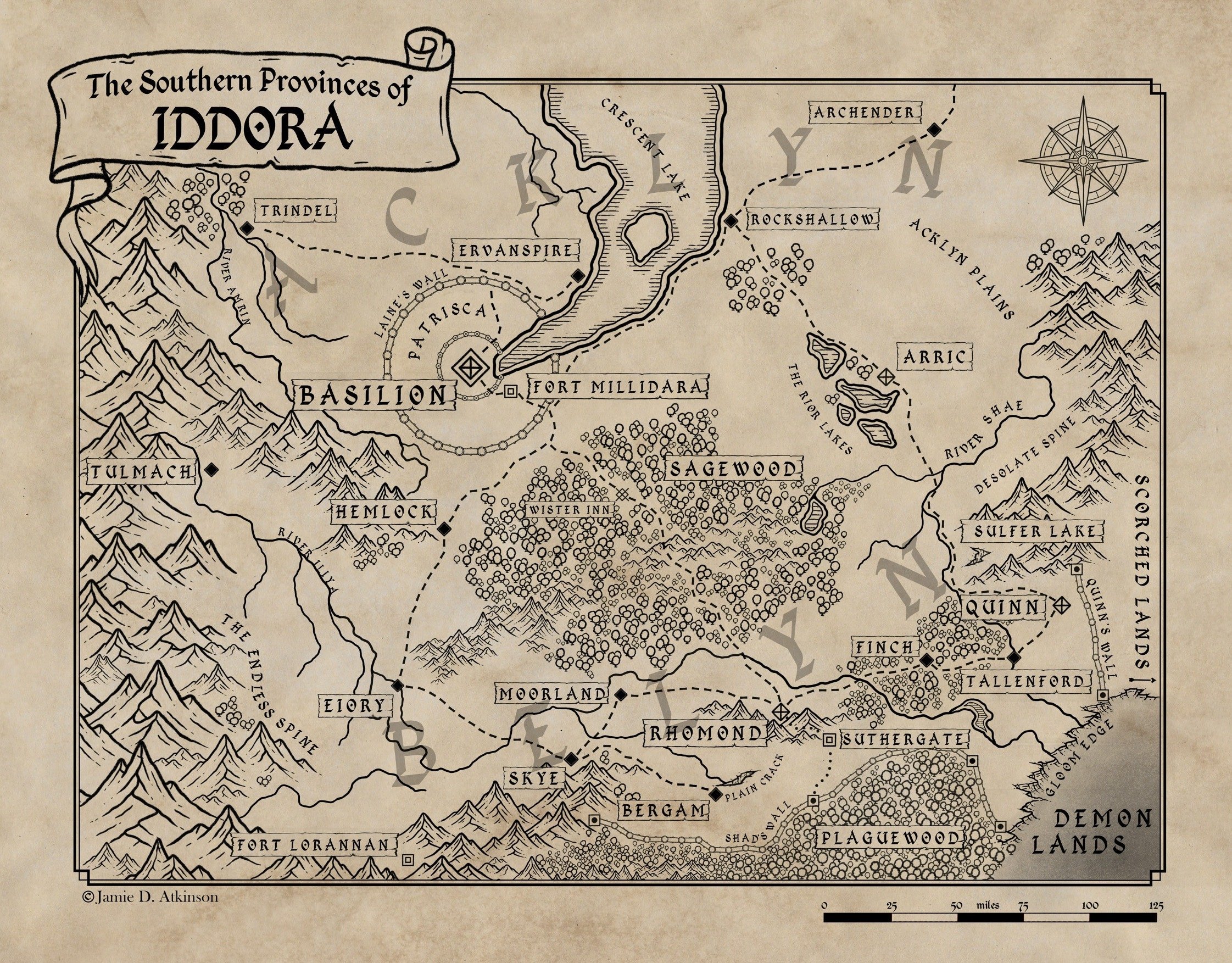
Jamie Atkinson | @jamiedatkinson

Anthony Mahoney | @the_sunset_cartographer
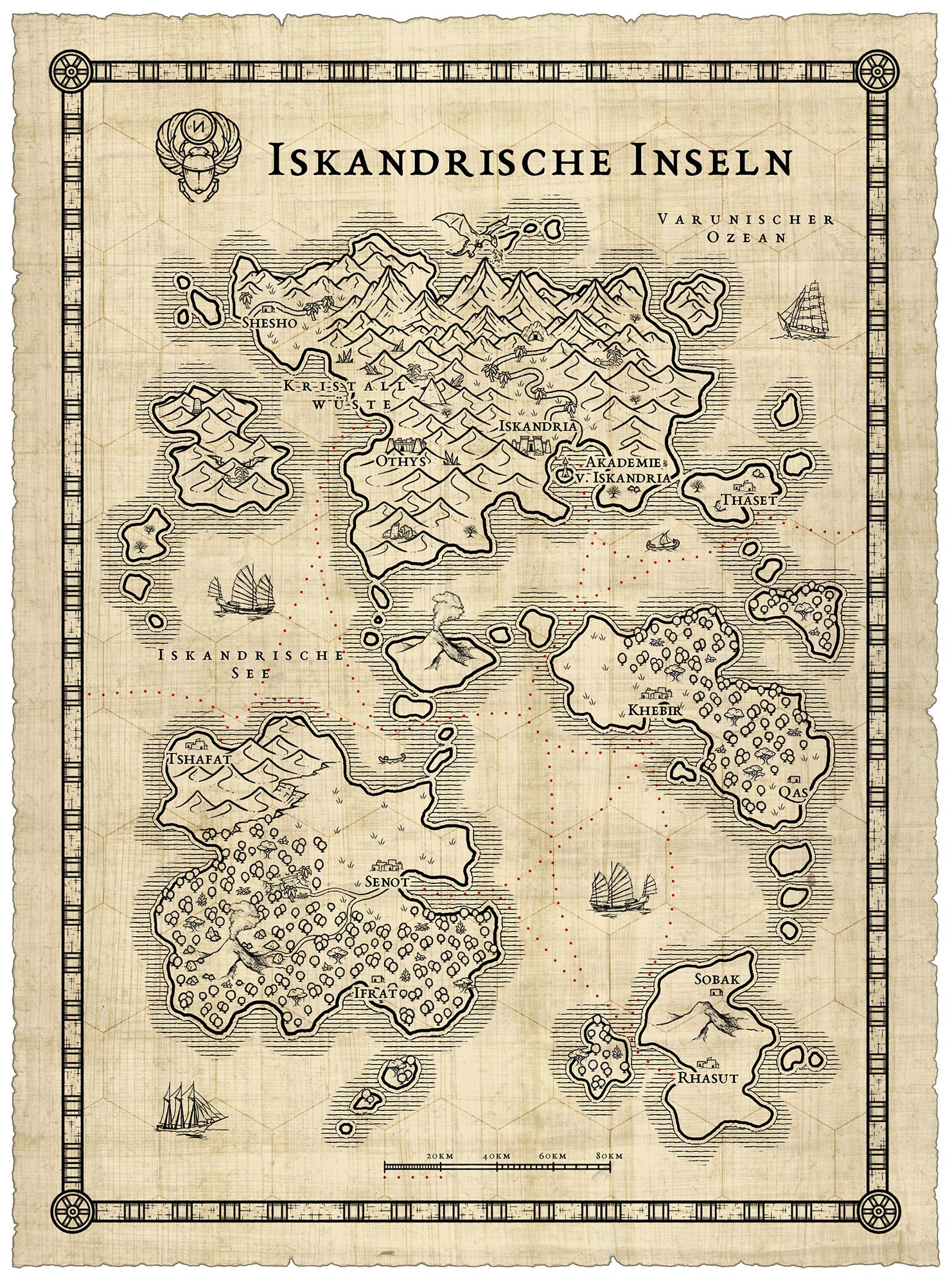
Jarerum | momiji_panda
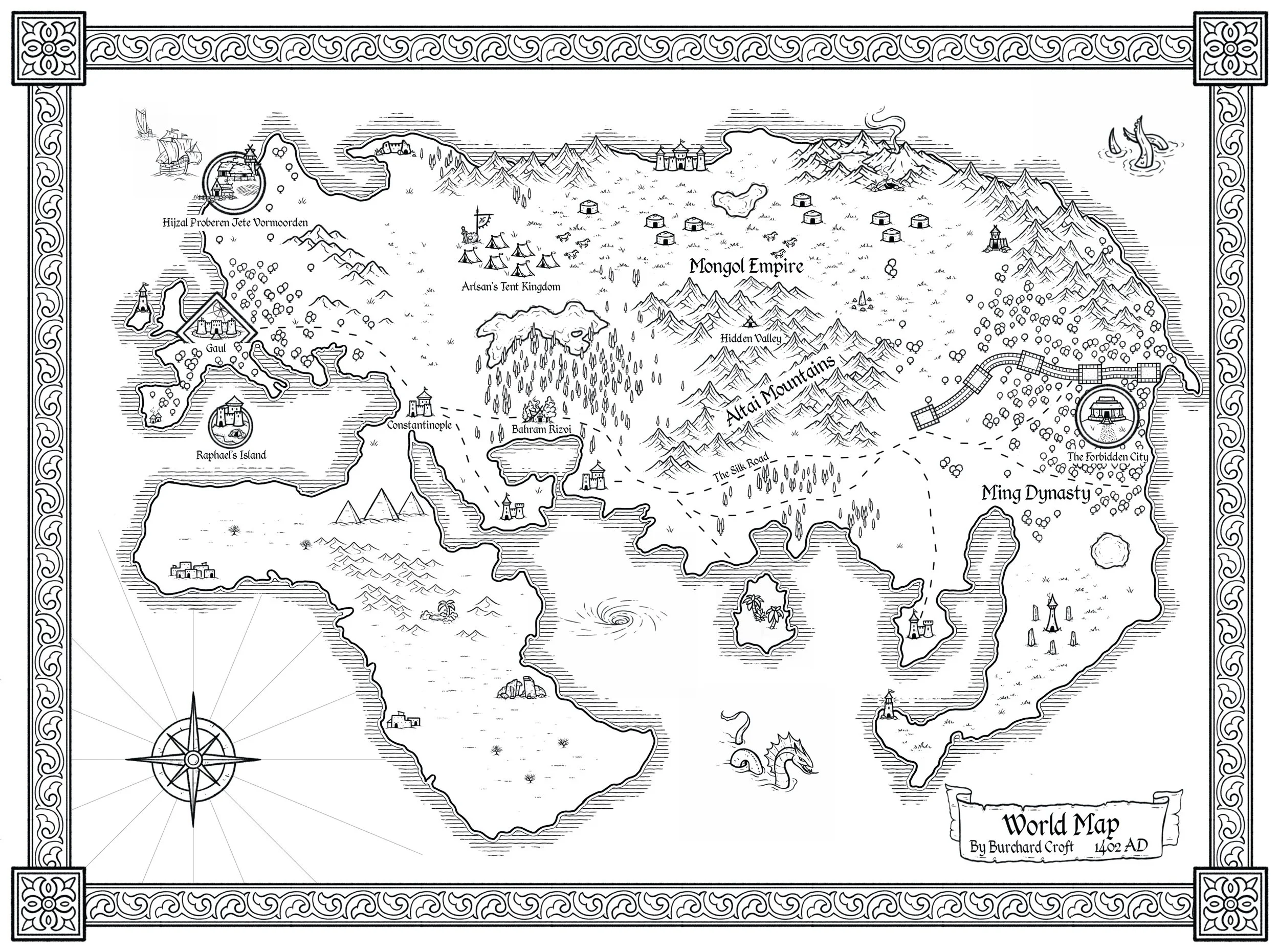
Anthony Mahoney | @the_sunset_cartographer

Josh Stolarz
You Don’t Have to Be an Artist to Build Your World
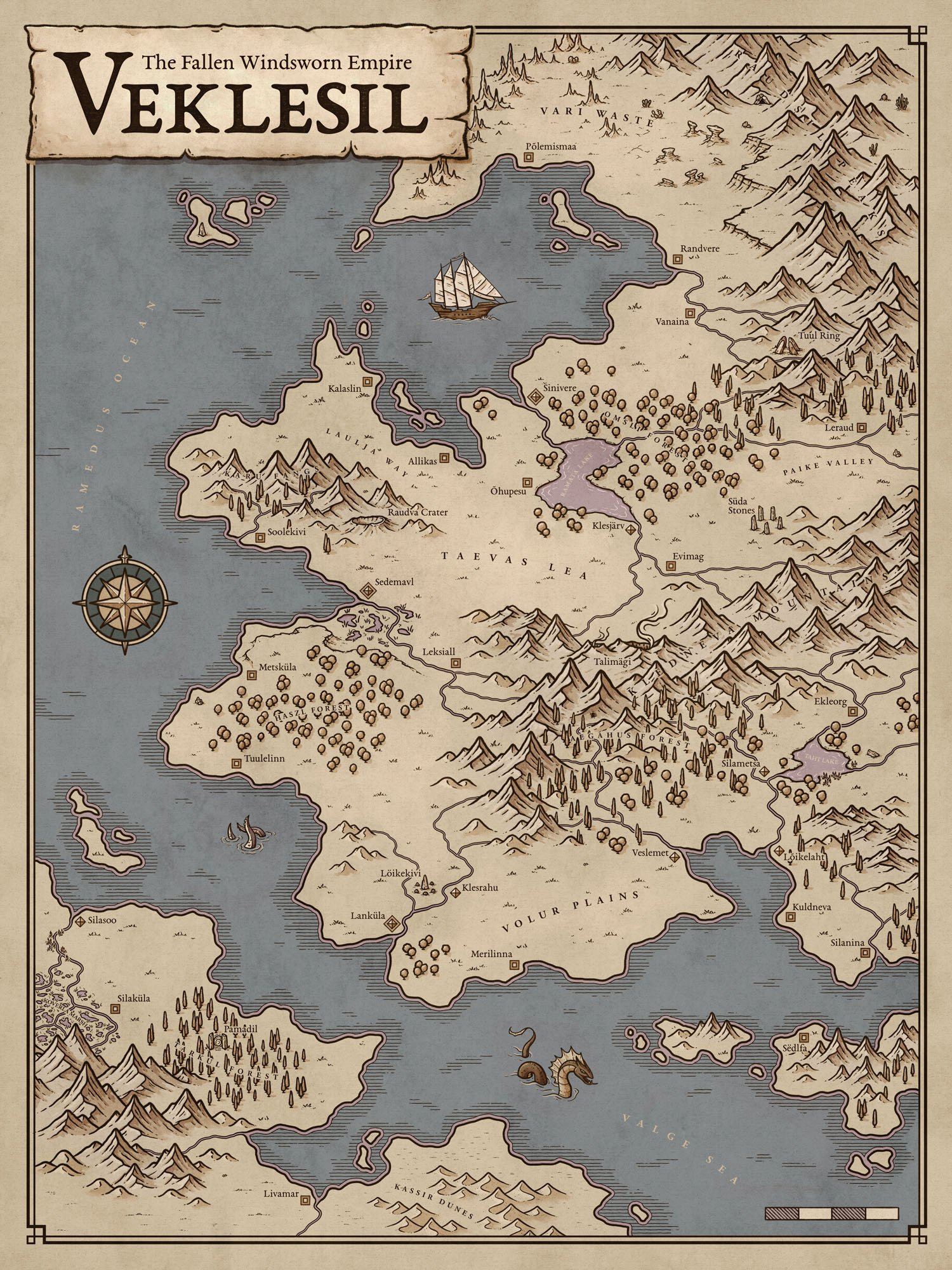
Can’t draw what you see in your head?
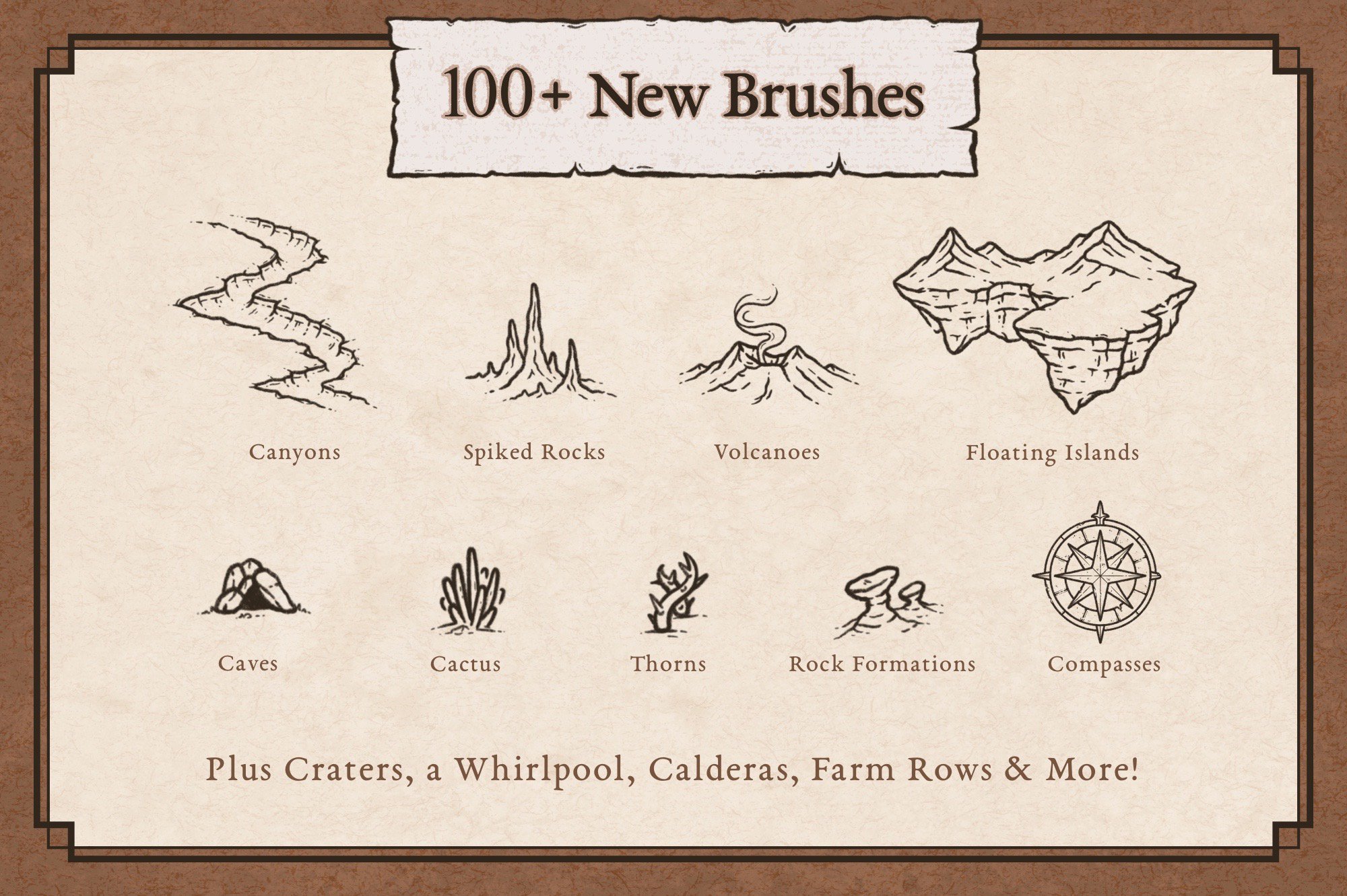
I already drew the mountains, forests, volcanoes, ruins, settlements, ships, sea monsters, and hundreds of other pieces. You decide where they belong.
Don’t have days to illustrate every detail?
Map with professionally hand-drawn artwork and spend your creative time building your world, not drawing hundreds of trees from scratch.
Not sure how to make a map look finished?
Paper textures, borders, fonts, map making tools, and tutorials help turn the pieces into a cohesive finished map you can actually be proud of.
Never made a fantasy map before?
Follow the included step-by-step tutorial and start building without needing years of illustration experience.
Everything You Need to Go From Blank Canvas to Finished Map
Build the World
300+ professionally hand-drawn map elements covering mountains, forests, rivers, coastlines, settlements, ruins, fantasy geography, and more.
Make It Feel Real
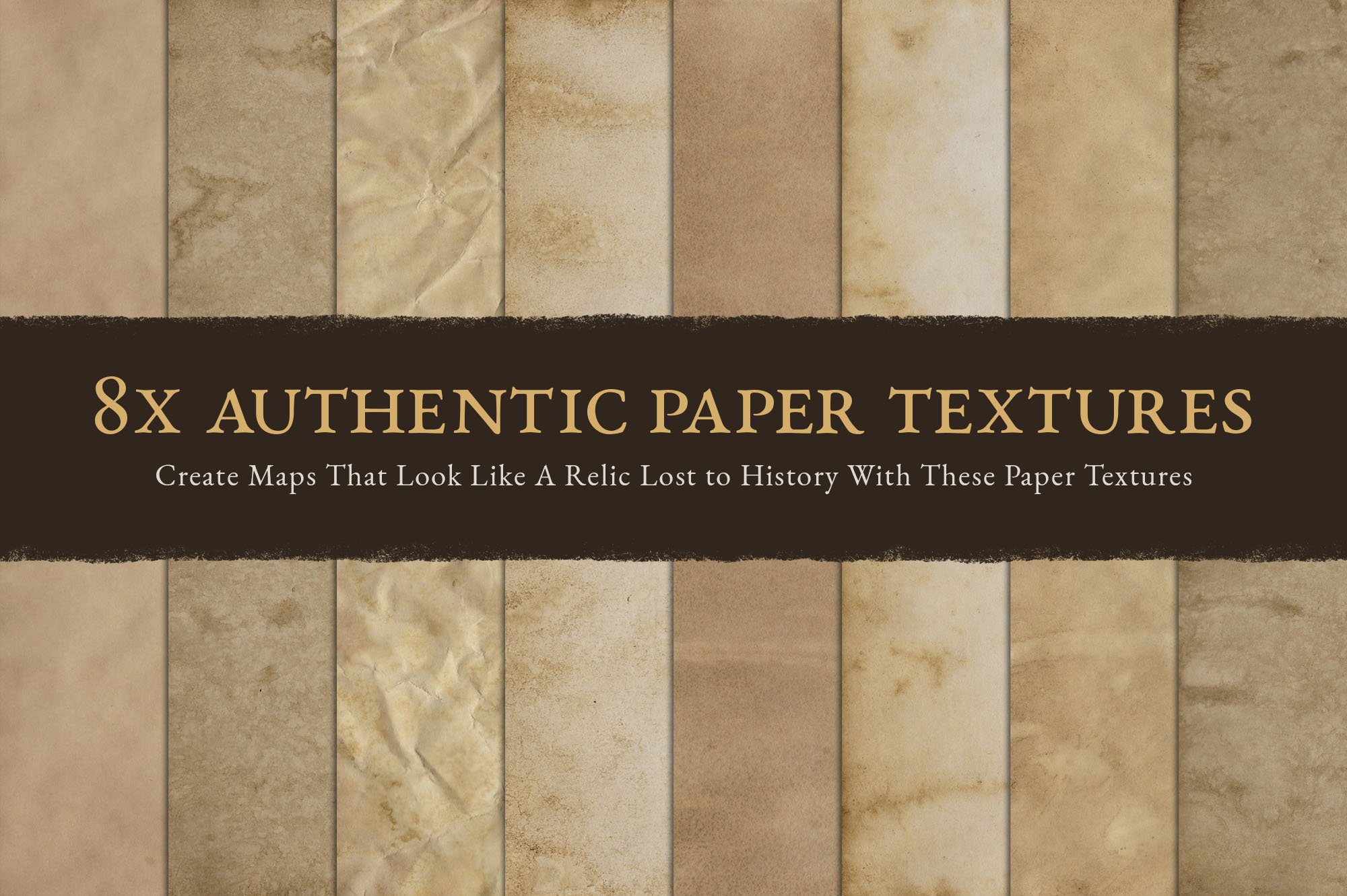
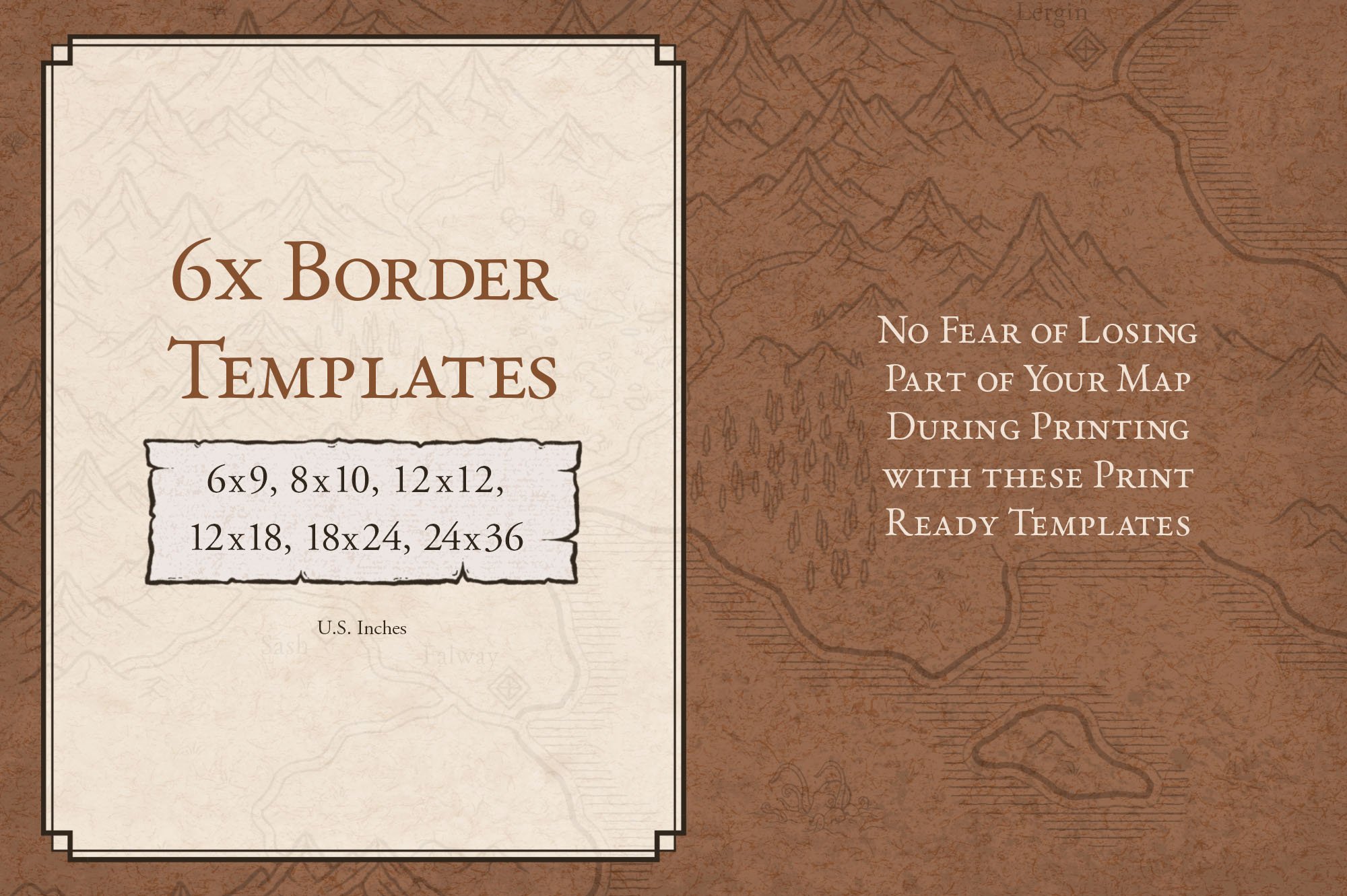
8 paper textures, free fantasy fonts, and 6 print-ready borders to turn the map into something that feels like an artifact from the world itself.
Know What to Do Next
Step-by-step video and written tutorials to help you go from blank canvas to finished world map.
Own It Forever
One-time purchase with no subscription. Commercial use included to create as many maps as you need for your world.
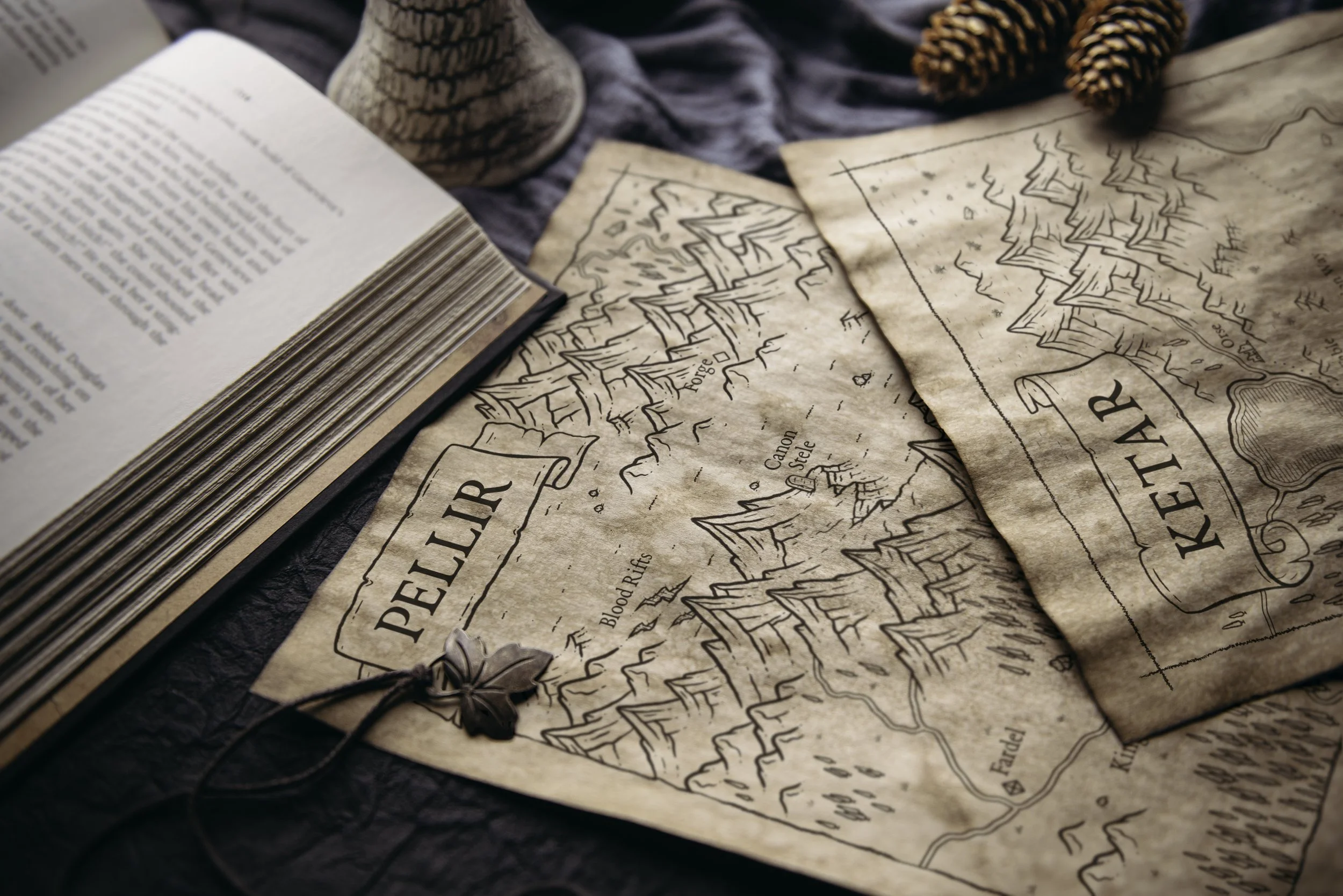
Put Your World on the Table
You can describe your world for hours. A map lets your players see it, point to it, and start asking questions.
Suddenly the mountains, ruins, roads, and distant coastlines aren’t just notes in your campaign. They’re places waiting to be explored.
See How Quickly a Map Takes Shape
⭐ ⭐ ⭐ ⭐ ⭐ Trusted by 10,000+ Map Makers
Here’s What Fellow Map Makers are Saying
FAQ
-
No! That is exactly what the Fantasy Map Builder is designed to solve. I’ve already drawn the mountains, forests, settlements, ruins, ships, and hundreds of other map features. You arrange and customize them to build your world.
-
You don’t need previous mapmaking experience. The Map Builder includes step-by-step tutorials on the website to take you from a blank canvas to a finished map.
-
Because you’re building with finished hand-drawn artwork instead of illustrating everything from scratch, you can create a detailed world map in hours rather than days. For reference, a map commission usually takes me between 40-60 hours to do from scratch.
-
Procreate, Photoshop, Affinity, Clip Studio Paint, and Infinite Painter.
While GIMP and some other drawing apps will import the .abr file designed for Photoshop, you will need to modify the stamp brushes regarding their scale. Other modifications will also need to be made for the drawing brushes and seamless pattern brushes in order to replicate how they would function in Photoshop. -
You may use the assets in this pack for commercial projects such as a map to include in a fantasy novel, or for marketing and branding for a client; as long as you credit “The Map Effects Fantasy Map Builder” for the original illustrations. But, as the map designer you will retain full rights to the original design itself. You may not resell or redistribute the assets in this pack in any way, including the creation of a physical version of the map builder or digital tile sets.
-
Yes! Try the Fantasy Map Builder for 30 days. If it isn’t right for you, contact me for a refund.
You can find the full Map Effects guarantee for all of our products HERE
Ready to Map Your World?
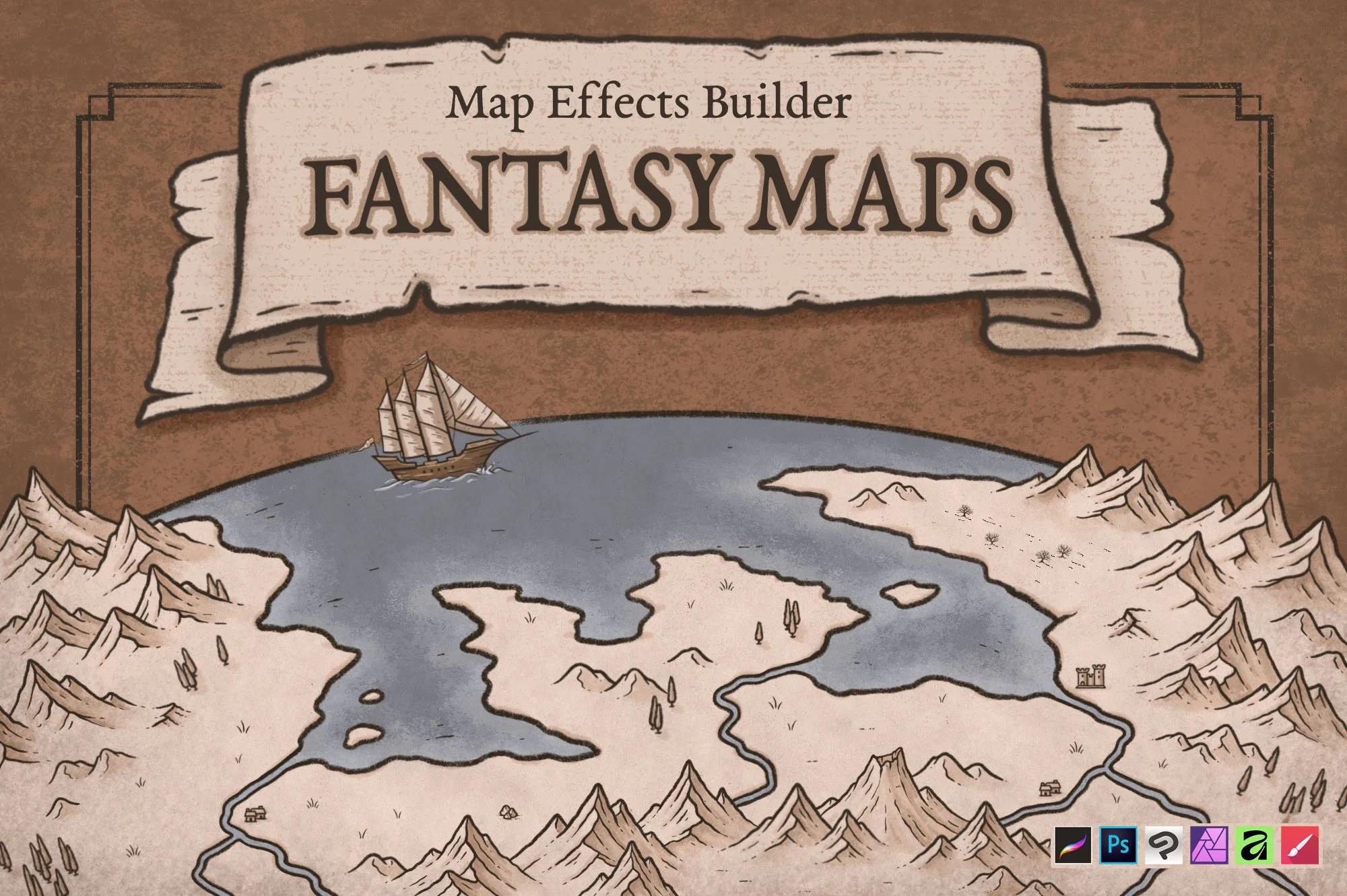
Get 300+ professionally hand-drawn map features to create as many maps as your world needs, without learning to draw.
One-time purchase. No Subscription
Commercial Use Included
✦ The First Map Promise
Create your first map with the Fantasy Map Builder. If you don’t create something you’re genuinely proud of within 30 days, I’ll give you your money back.
$39
Keep Building Your World
The Fantasy Map Builder is only the beginning. Map cities, enrich cultures, and give every region its own character.
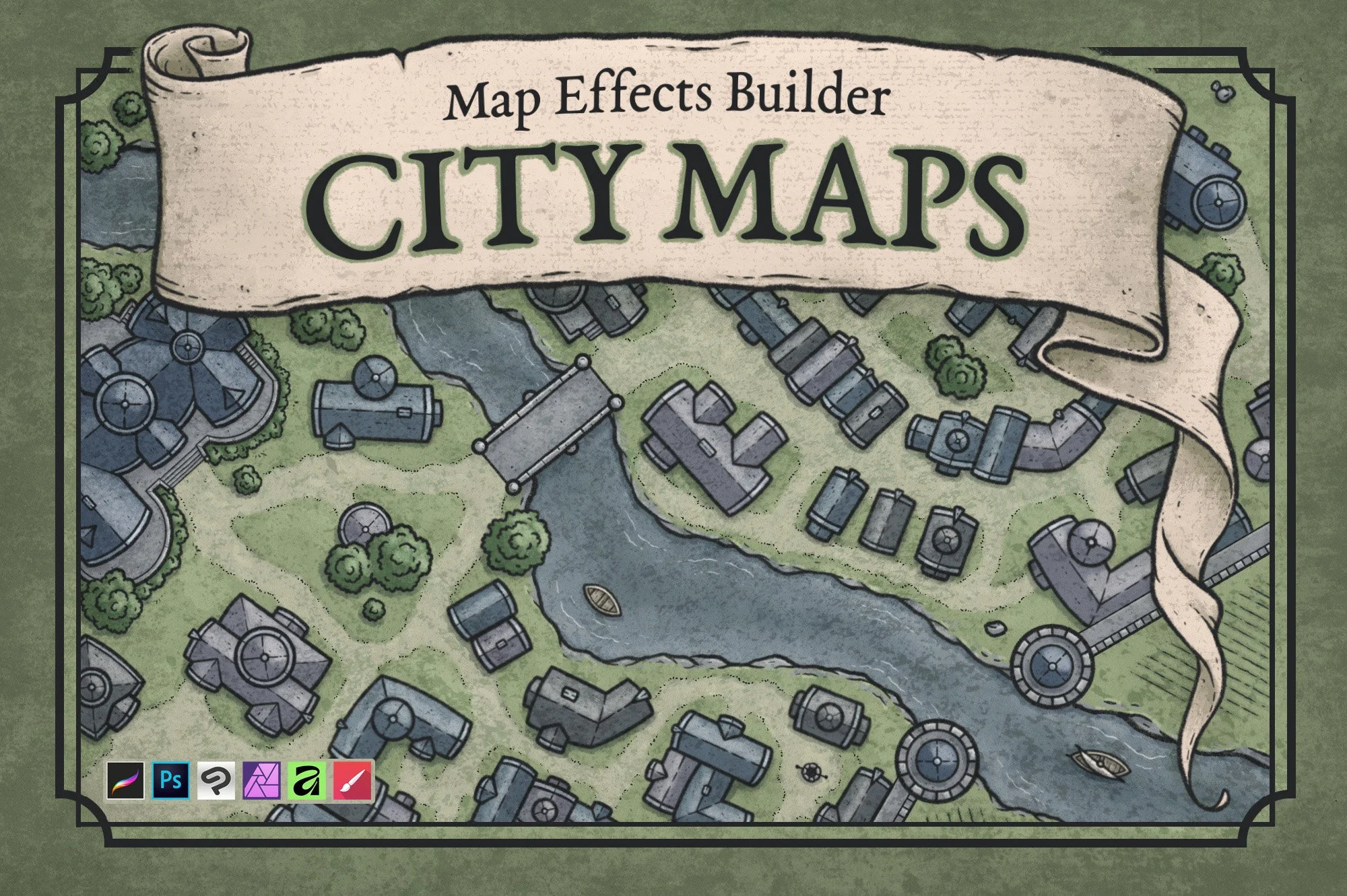
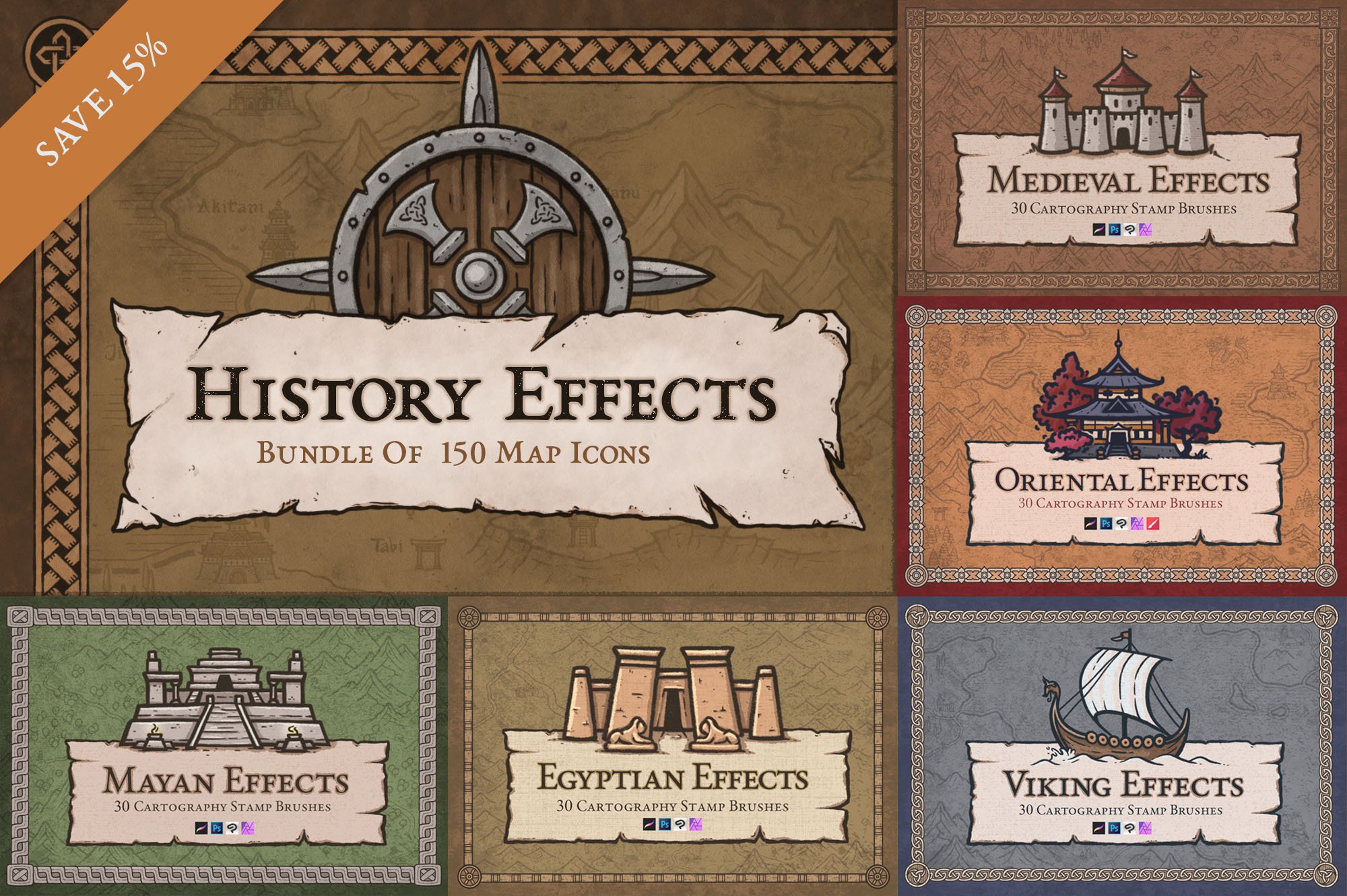
History Effects Bundle
$35 | $29