
City Map Builder
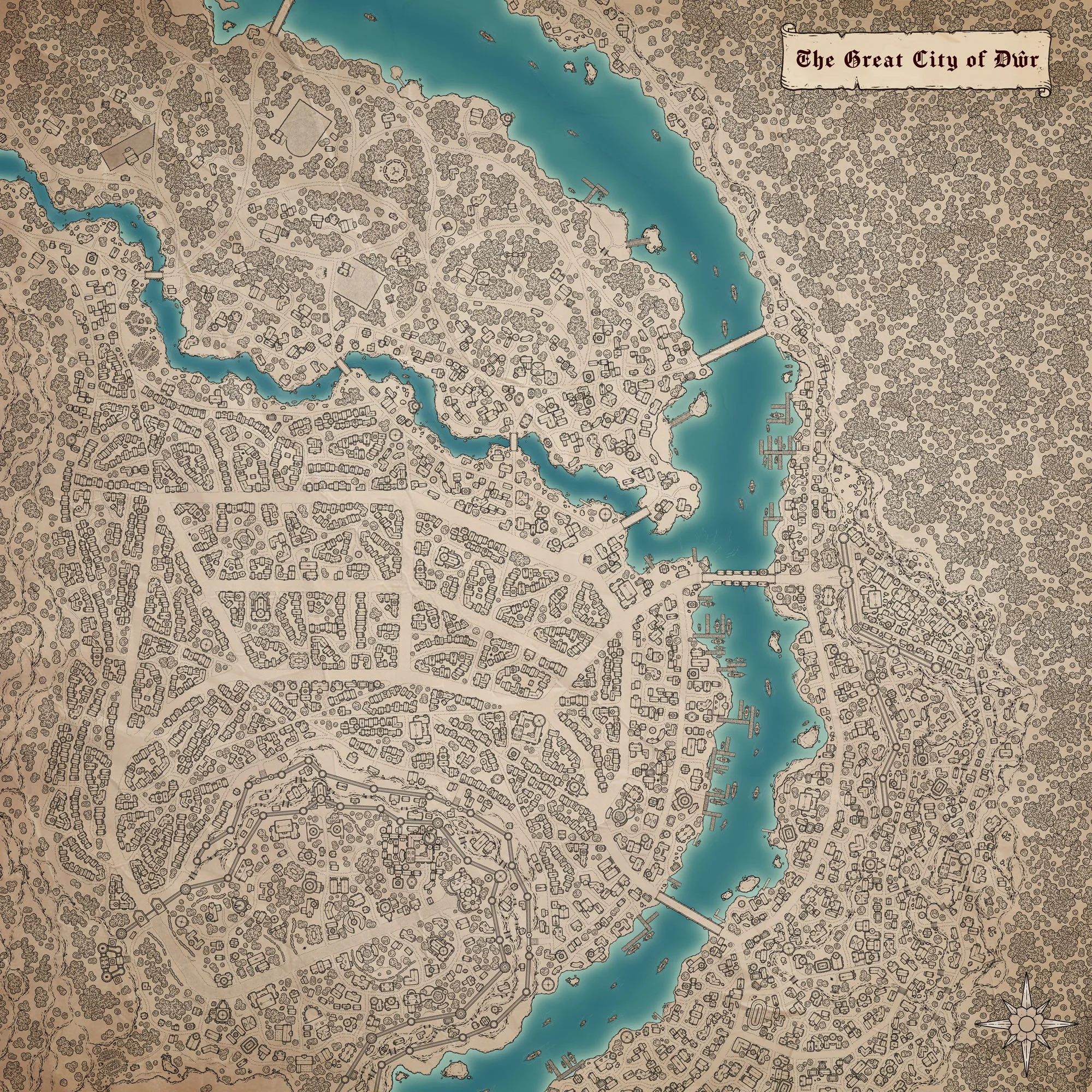
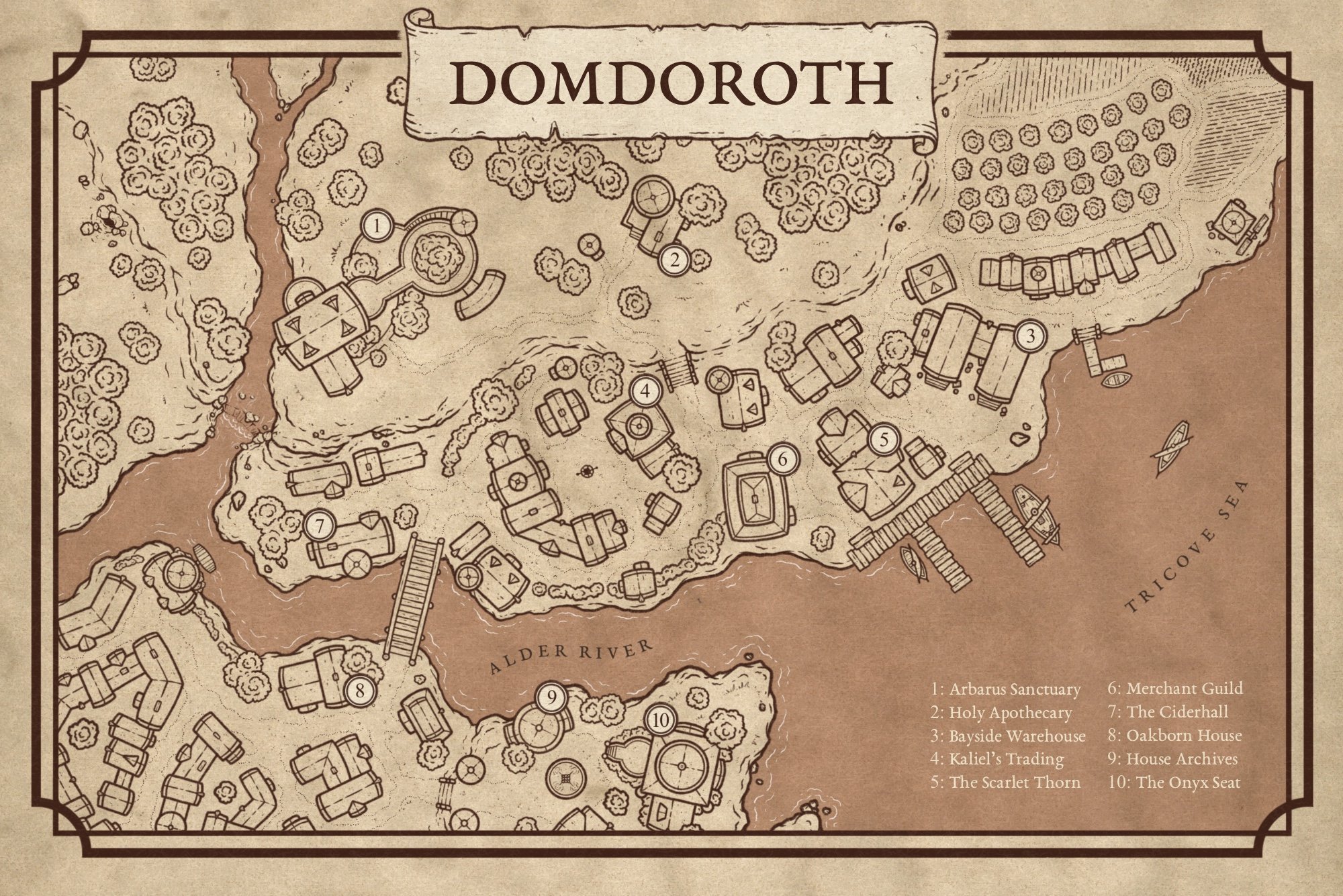
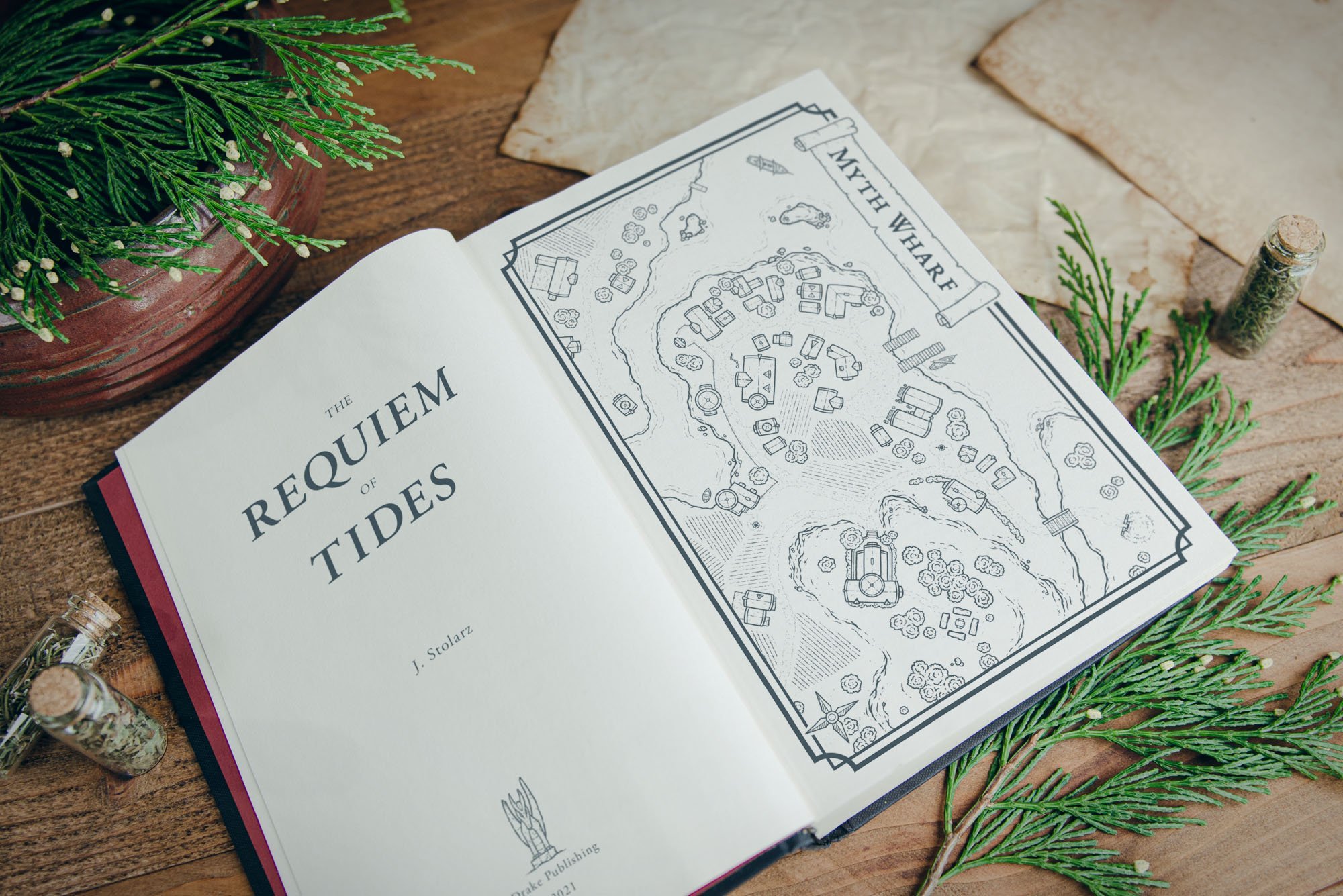
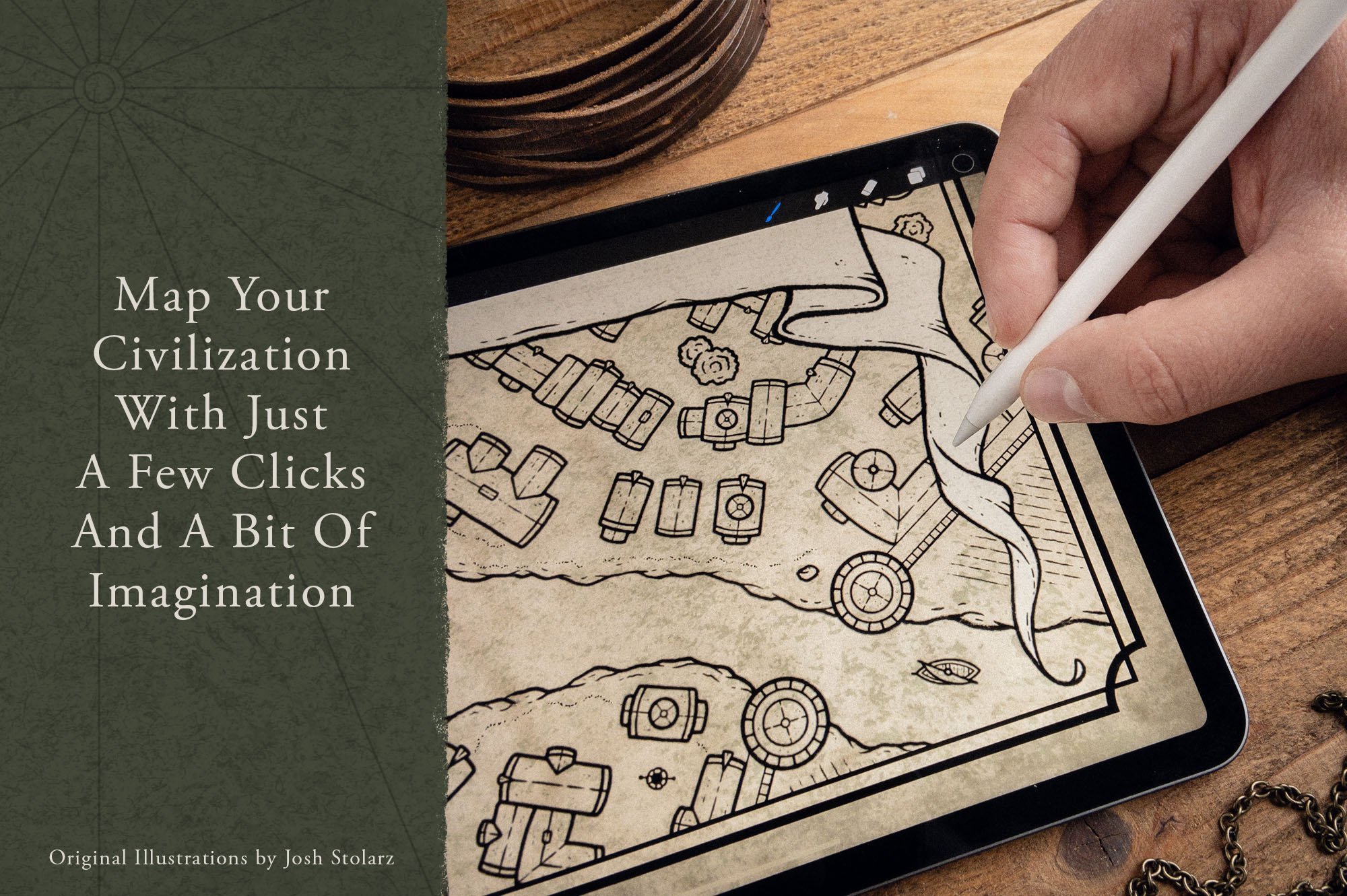
Quickly create hand-drawn city & village maps for your next role-playing campaign or novel with a few clicks and a bit of imagination.
$39
Create unlimited maps for your world
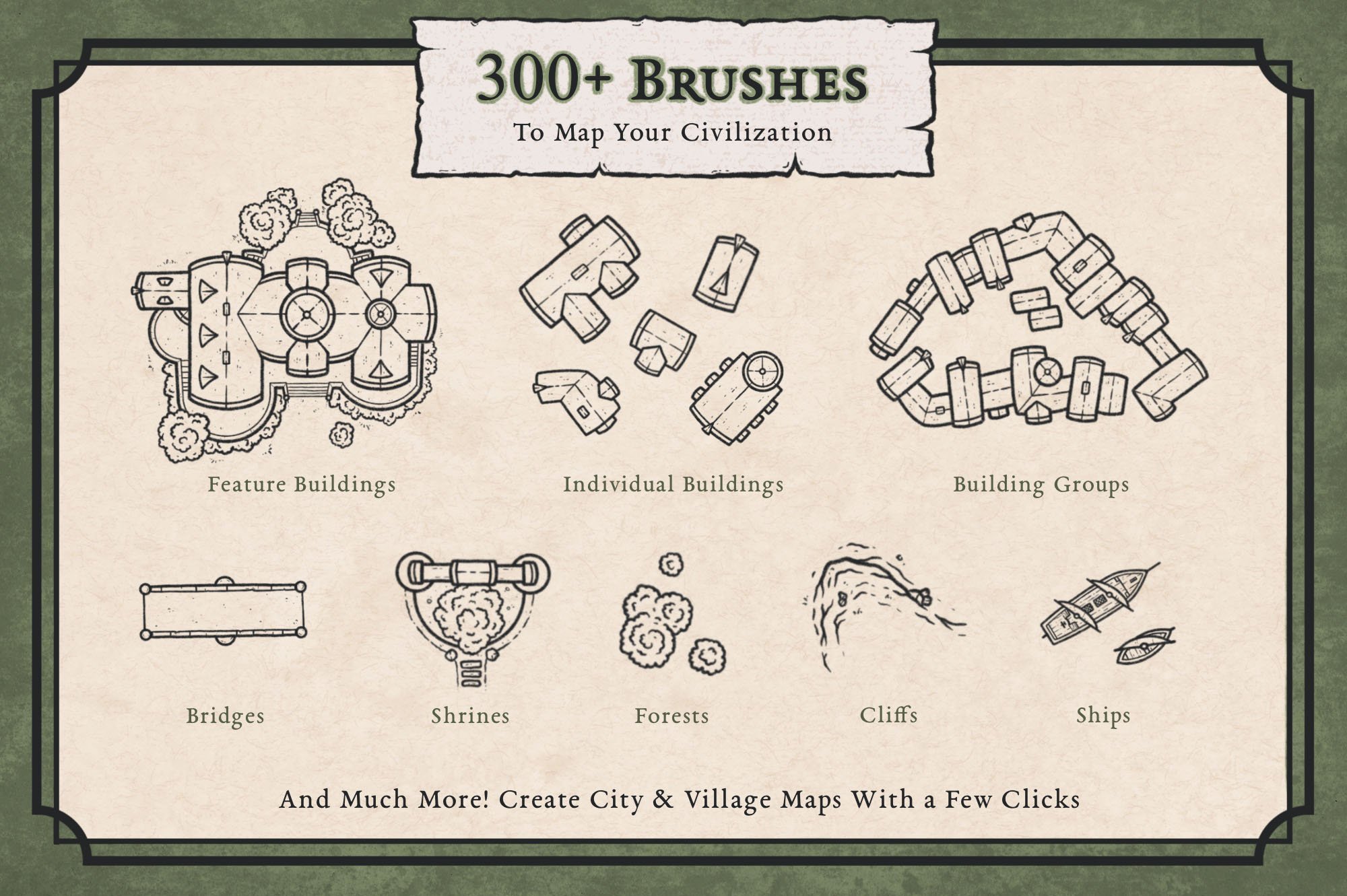
300+ Hand Drawn City Map Assets
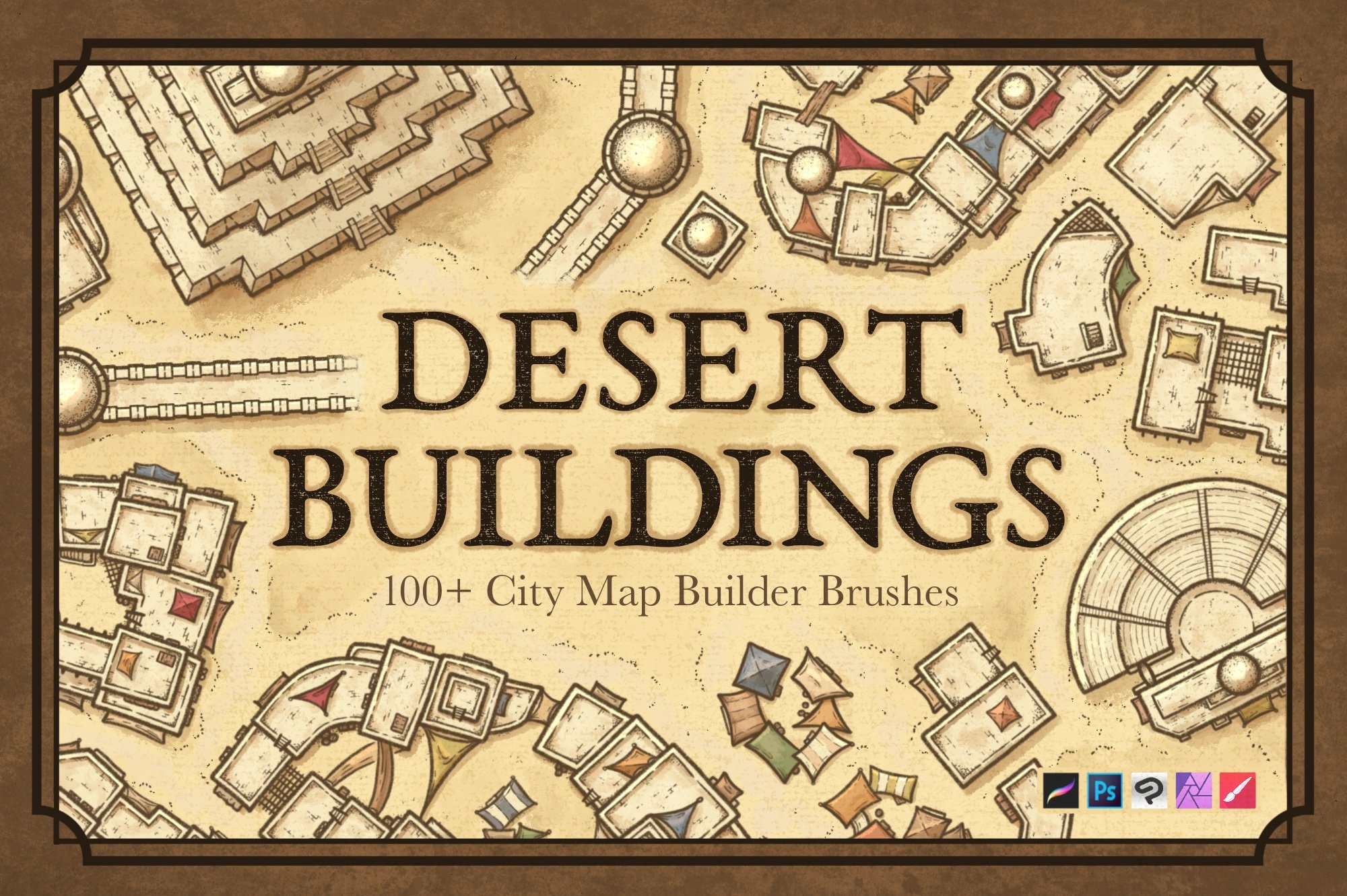
Compatible with Procreate, Photoshop, Affinity, Clip Studio Paint, Infinite Painter
One Time Purchase. No Subscription
Commercial Use Included
✦The First Map Promise
Create your first map with the Fantasy Map Builder. If you don’t create something you’re genuinely proud of within 30 days, I’ll give you your money back.
★★★★★
“I love the variety of features included in the City Map Builder. I’ve struggled for 10 years to create maps of my own, but now I was able to create something overnight!”
Gordon Currie ✓ Verified Buyer
★★★★★
“The City Map Maker is an incredible cartography tool for authors and game masters. The quality is outstanding and there’s plenty of variety to keep your maps from looking stale and repetitive for years to come.”
Chris Rosser ✓ Verified Buyer
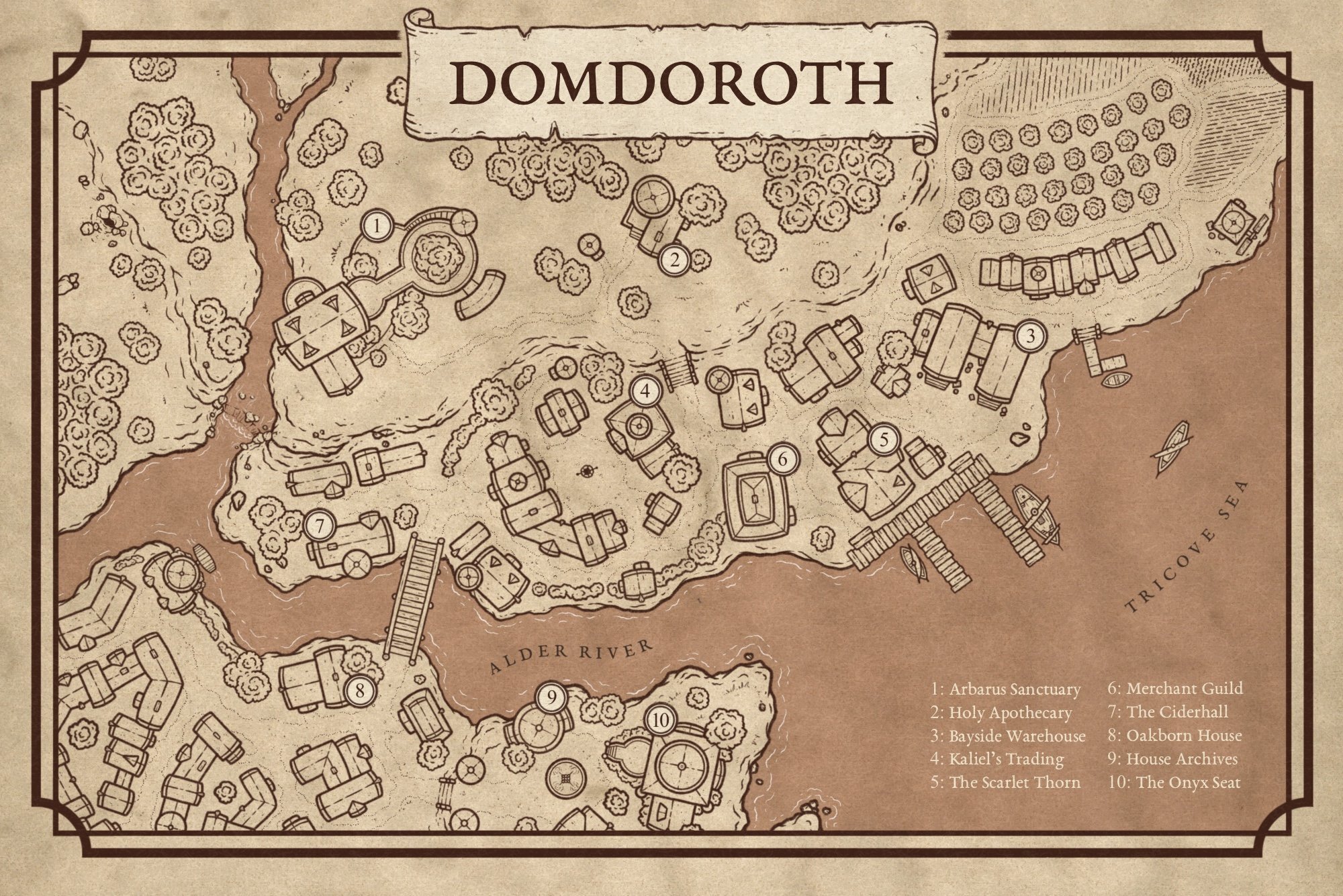
Here’s What You’ll Get
300+ hand illustrated brushes by Josh Stolarz
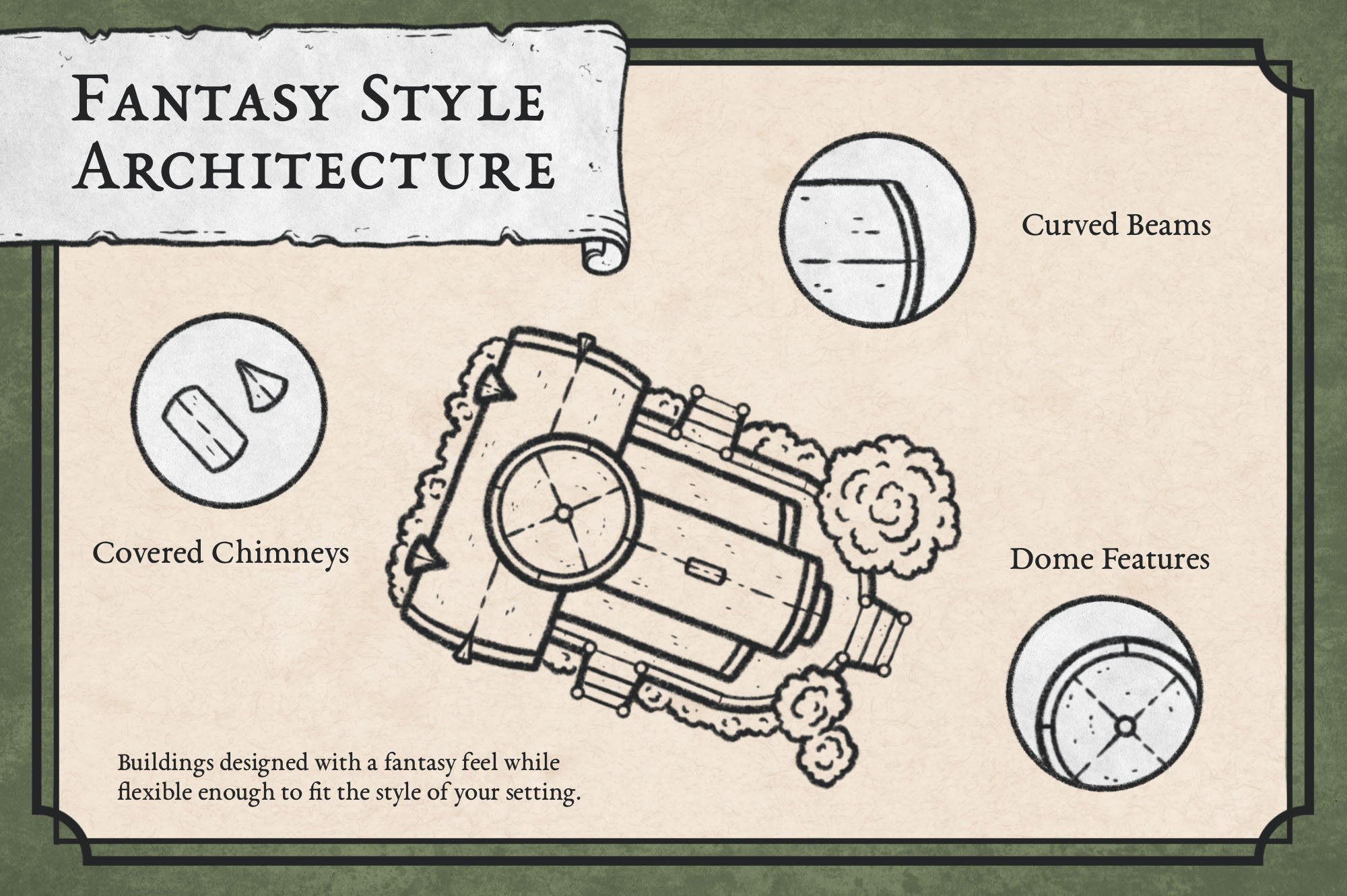
115+ buildings including homes, taverns, mills, farms, observatories, and more
City building tools for walls, towers, gates, roads, fences, and textures
Terrain features including shorelines, islands, cliffs, rocks, and stonework
Settlement details like wells, shrines, cemeteries, bridges, docks, waterfalls, and flags
Vegetation brushes for trees, hedges, orchards, and grasslands
Map finishing elements including banners, legends, compass roses, and distance scales
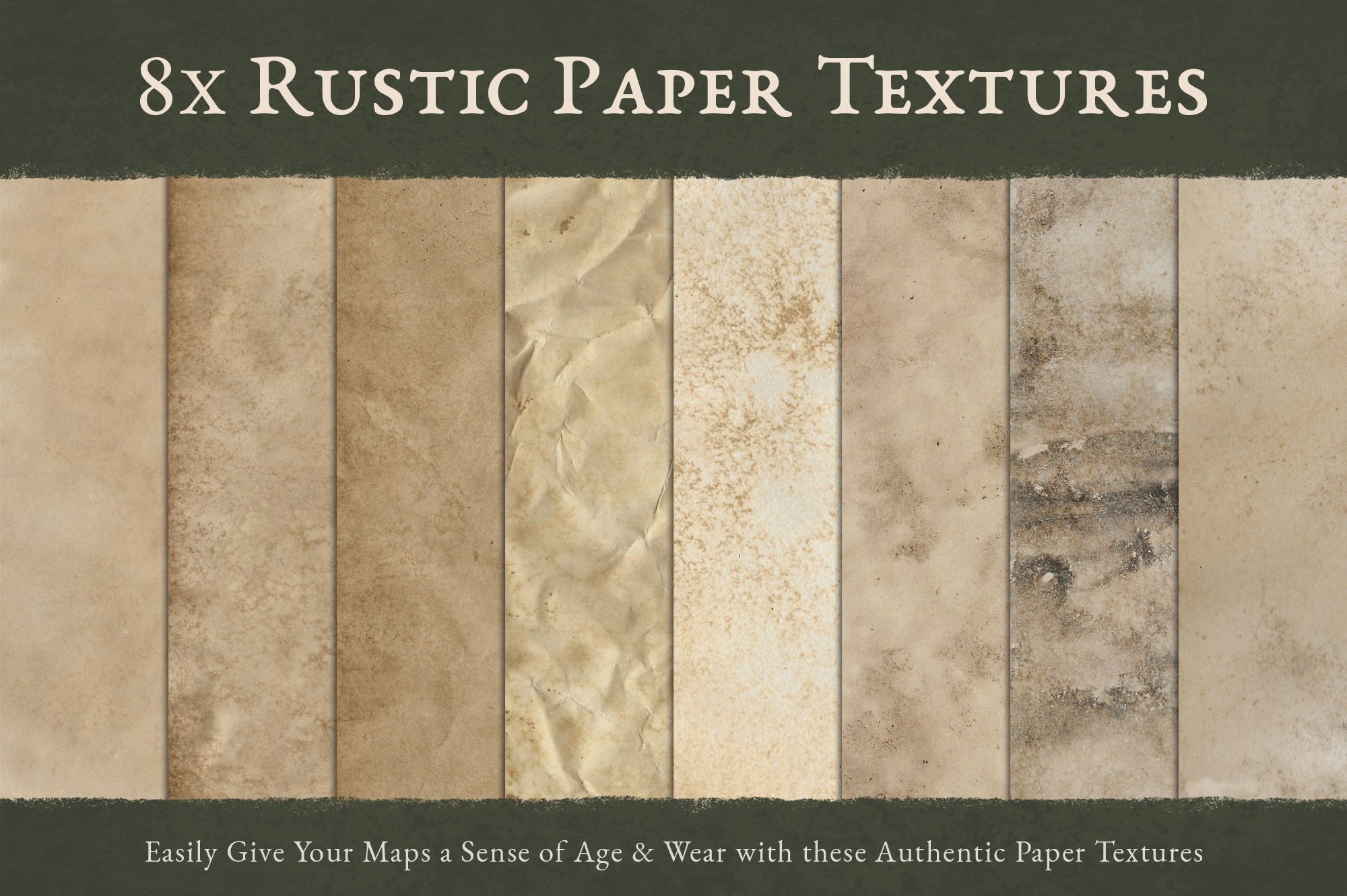
8 authentic paper textures to give your maps the look of a forgotten relic
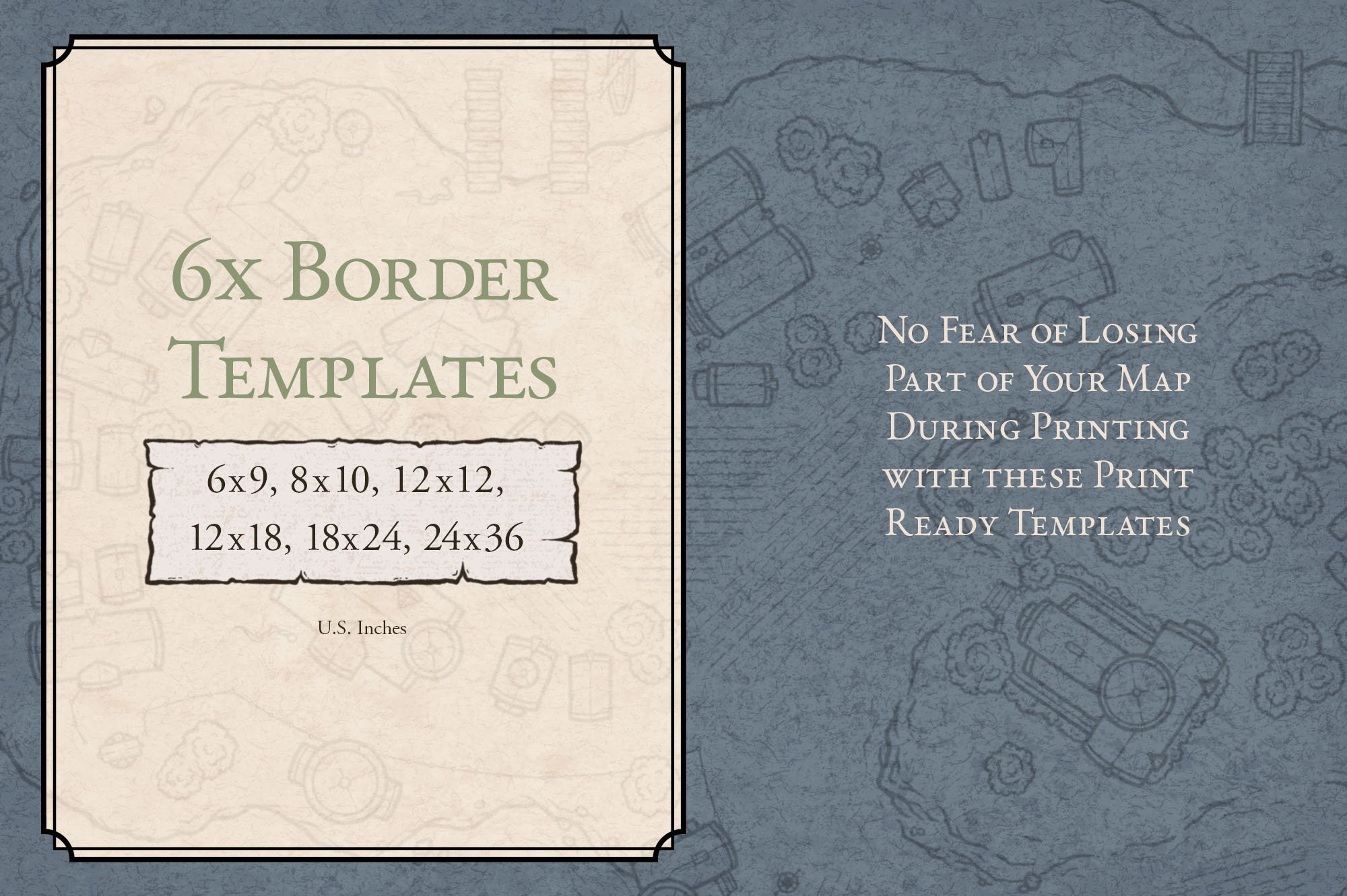
6 print ready border templates
Bonus fantasy fonts for labeling your settlements
Quick Start PDF and video tutorials to help you get started
Included With Every Purchase
One time purchase. No subscriptions or recurring fees.
Commercial use license included. Create maps for books, games, commissions, and other creative projects.
Works with Procreate, Photoshop, Affinity, Clip Studio Paint, and Infinite Painter.
File Download Size: 714 MB
Create the Backdrop for Adventure
The places where people & creatures live define the nature of their civilization and form the backdrop of your story. The moment you add settlements to your world it moves from being merely an interesting landscape to having a rich history with a story to tell.


FEATURES & BENEFITS
Create Maps in a Fraction of the Time
If you have ever attempted to draw a full city map from scratch, you know it can easily take 50+ hours to draw all the individual buildings, trees, and other features. But now you can create a hand-illustrated map of your city, town, or village in a fraction of the time; which means more time with your friends campaigning or writing your novel.
Not Your Typical Medieval Structures
Rather than being the standard medieval buildings you often see on city maps, the buildings were designed specifically to feel more "fantasy", while still being simple enough to work well on a variety of maps.
Make High Quality Prints of Your Map
Each brush was created from high resolution illustrations so you can make prints of your map as large as you want without losing quality.
300x Unique Brushes
With over 300x brushes included, you’ll find plenty of variety to create a full city map to immerse people in your story.
Create Maps in the style of Josh Stolarz
“I’m frequently approached by people who are interested in commissioning a map for their role playing campaign or novel. Sadly, I have to turn many away because a custom map is just not within their budget. I created the Map Effects Fantasy Map Builder and now the City Map Builder so anyone would be able to create a hand-drawn map of their own in my style with just a few clicks and a little imagination.”
- Josh


What Cartographers Have to Say

Chris Rosser
“The City Map Maker is an incredible cartography tool for authors and game masters. The quality is outstanding and there’s plenty of variety to keep your maps from looking stale and repetitive for years to come.”

Gordon Currie
“I love the variety of features included in the City Map Builder. I’ve struggled for 10 years to create maps of my own, but now I was able to create something overnight!”
Michael Java
“Having access to such a robust collection of professionally illustrated city map features is an absolute game changer for worldbuilding projects and D&D campaigns.”


FAQ
May I use this product for commercial work?
You may use the assets in this pack for commercial projects such as a map to include in a fantasy novel, or for marketing and branding for a client; as long as you credit “The Map Effects City Map Builder” for the original illustrations. But, as the map designer you will retain full rights to the original design itself. You may not resell or redistribute the assets in this pack in any way, including the creation of a physical version of the map builder or digital tile sets.
Are these brushes compatible with GIMP or Wonderdraft?
While GIMP and some other open apps will import the .abr file designed for Photoshop, you may need to make modifications to the stamp brushes in regards to their scale. Other modifications will need to be made regarding some of the liner or seamless pattern brushes in order to replicate how they would function in Photoshop or Procreate.
Is there a guarantee?
You can find the full Map Effects guarantee for all of our products HERE

YOU MAY ALSO LIKE


⭐ ⭐ ⭐ ⭐ ⭐ Trusted by 10,000+ Map Makers
What People are Saying about Map Effects Tools