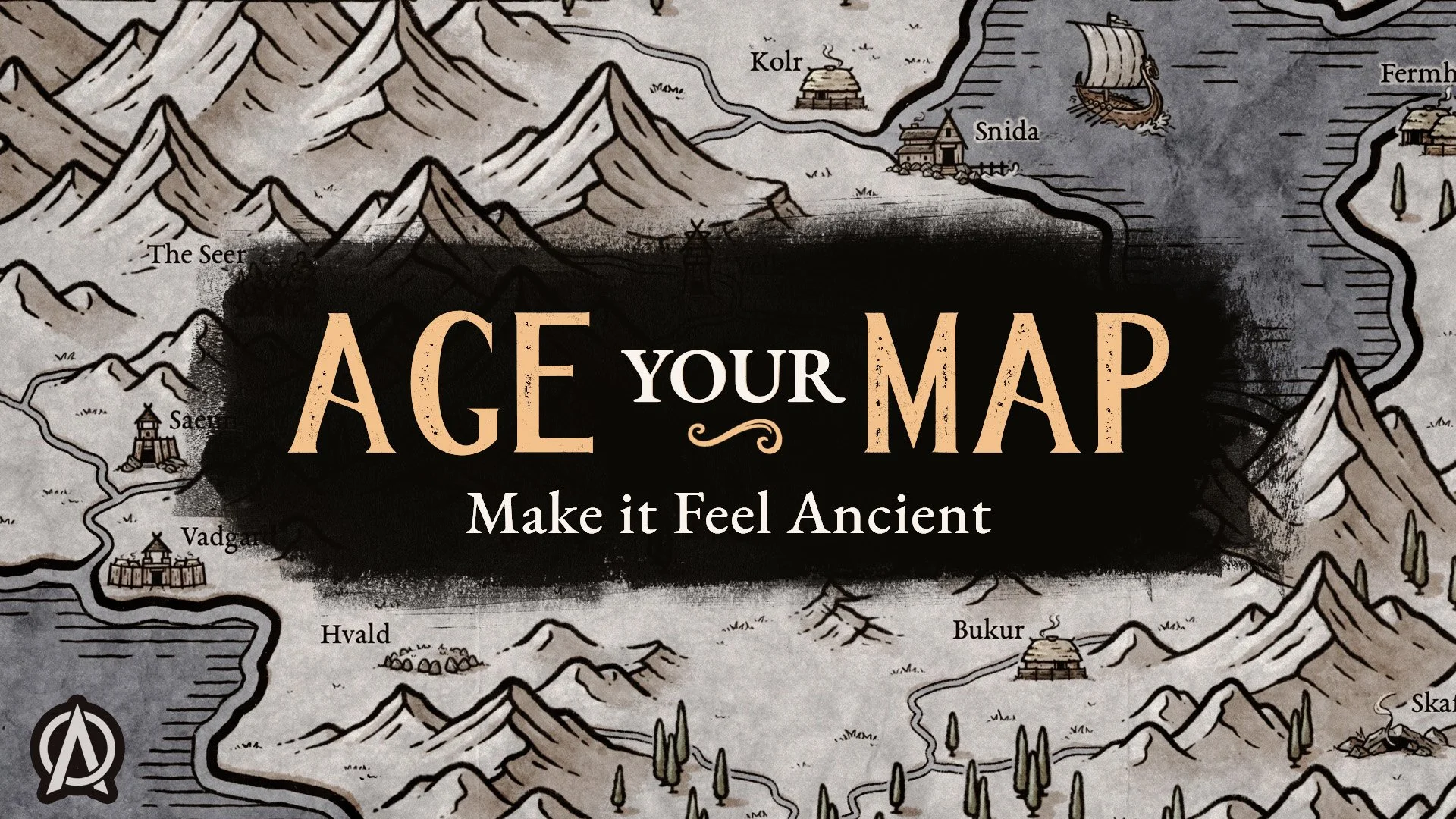
Map too small and you need to scale it up? Here’s the trick in Procreate
Ever finished a fantasy map only to realize you created it at too low a resolution to print? Can it be saved? In this Procreate tutorial, I'll show you how to upscale line art and improve its quality, helping you rescue artwork that might otherwise be too blurry or pixelated to use. Whether you're creating fantasy maps for tabletop RPGs, worldbuilding, or printing, this is a useful Procreate trick to have in your toolkit.
The map in this video was originally created with The Fantasy Map Builder & The Maya Effects Icon Pack