
In this map making tutorial I'll show you a simple method to add some dynamic lighting on your next dungeon map for your role playing campaign. This technique is a straightforward way to add some moody lighting to your map, and can be done in the drawing app of your choice.
Let's Start Mapping! - Josh
-
Dungeon Map Builder
_____Ipad Pro 11
Apple Pencil - 2nd Generation
Procreate App
More Video Tutorials
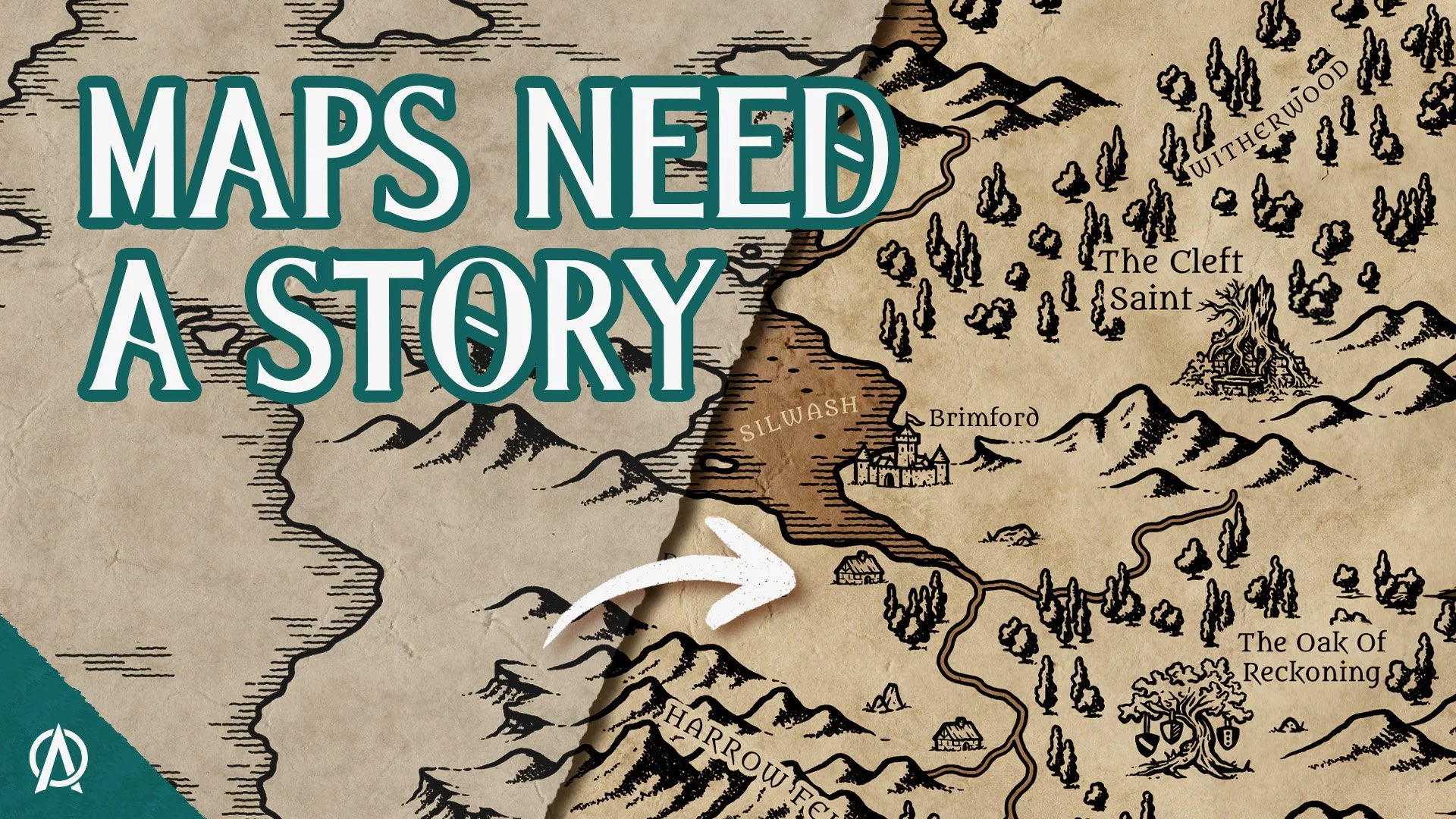
A beautiful fantasy map that's just a landscape still feels...empty. In this tutorial, I’ll share with you 5 Story Seeds you can add to your maps to make them feel alive. These simple worldbuilding ideas can help you create maps that don’t just show where your story takes place, but make people want to explore it.
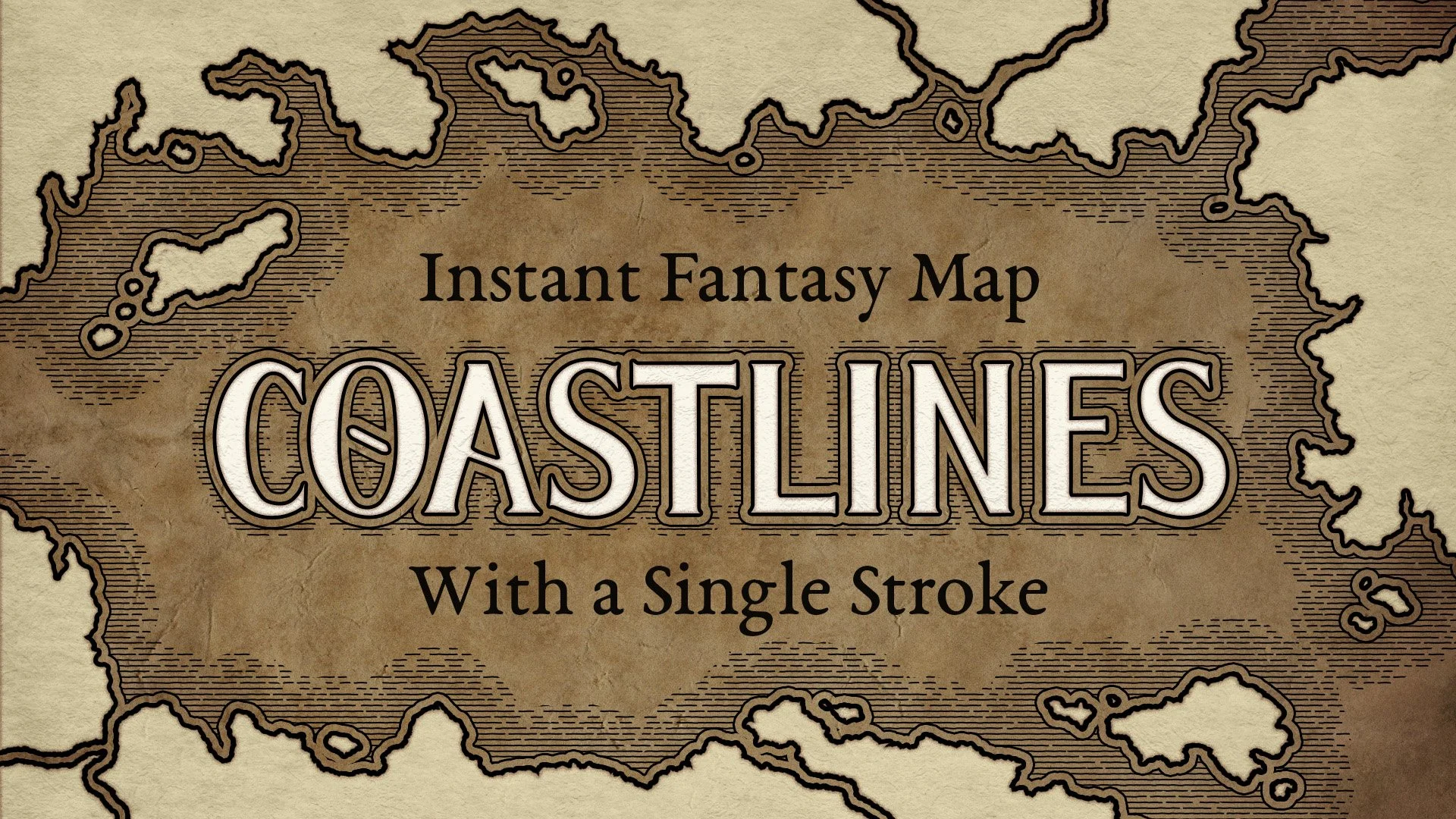
Learn how to draw natural looking fantasy coastlines in Photoshop using the Pendragon Coastliner. This step by step tutorial shows you how to create realistic shores and coastal hatching in just minutes.
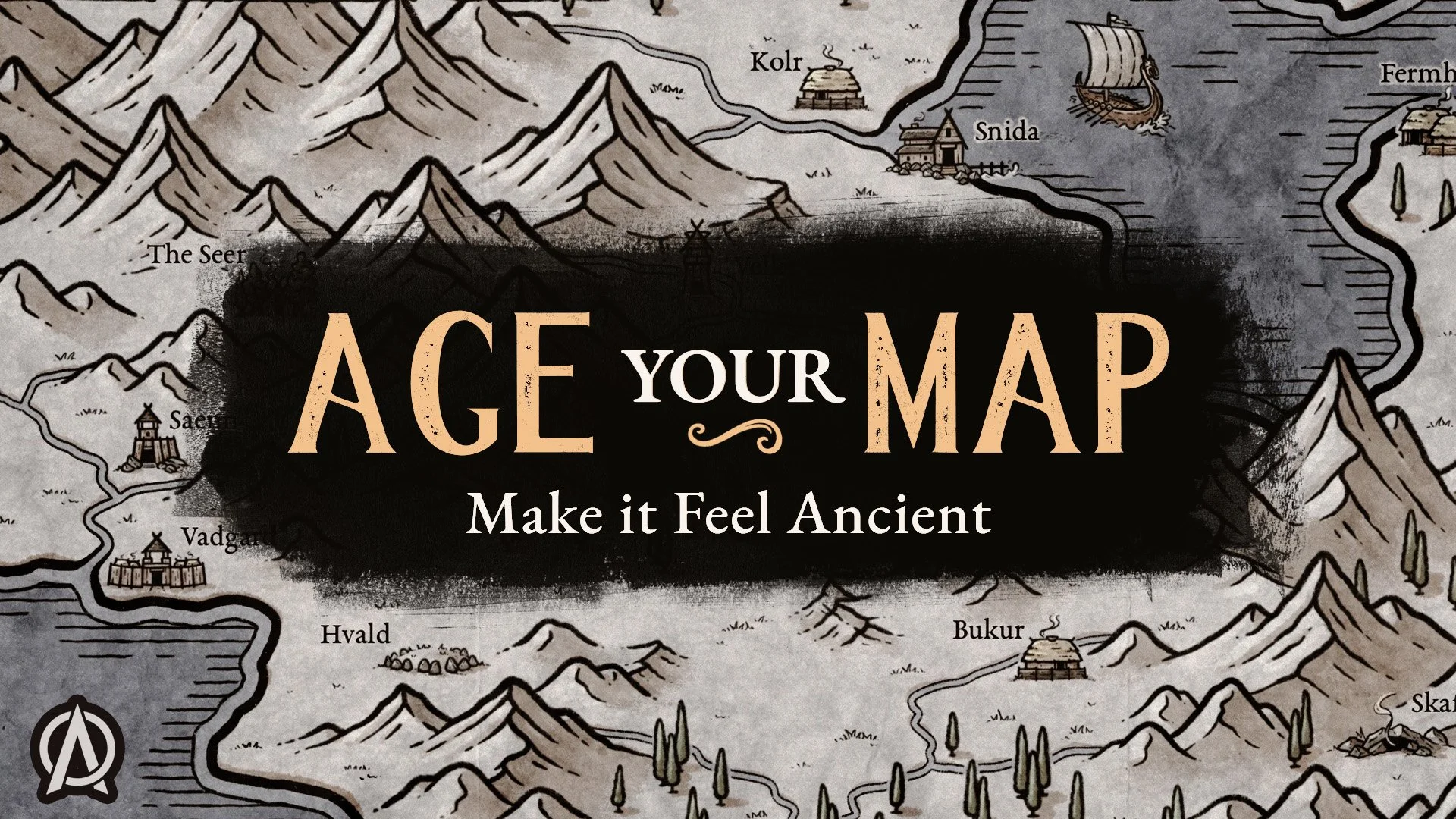
Learn how to add aged paper textures to fantasy maps using a simple layering technique. Make your maps feel like weathered artifacts with this step-by-step mapmaking tutorial.

In this tutorial, I’ll show you how to use the Inn & Tavern Map Builder in Procreate to quickly design hand-drawn interior maps for your next RPG campaign. Every brush, from walls, tables, swords, wizard staffs, rugs, and stables, were illustrated by hand so you get the classic fantasy map look without needing to learn how to draw. Perfect for dungeon masters who want to create a memorable environment for their players to explore.

In this video, I'll guide you through using the Desert Buildings Add-On Pack within Infinite Painter to create immersive desert-themed maps for your fantasy role-playing games. Whether you're a seasoned cartographer or a beginner, this tutorial will equip you with the skills to bring your desert adventures to life.
