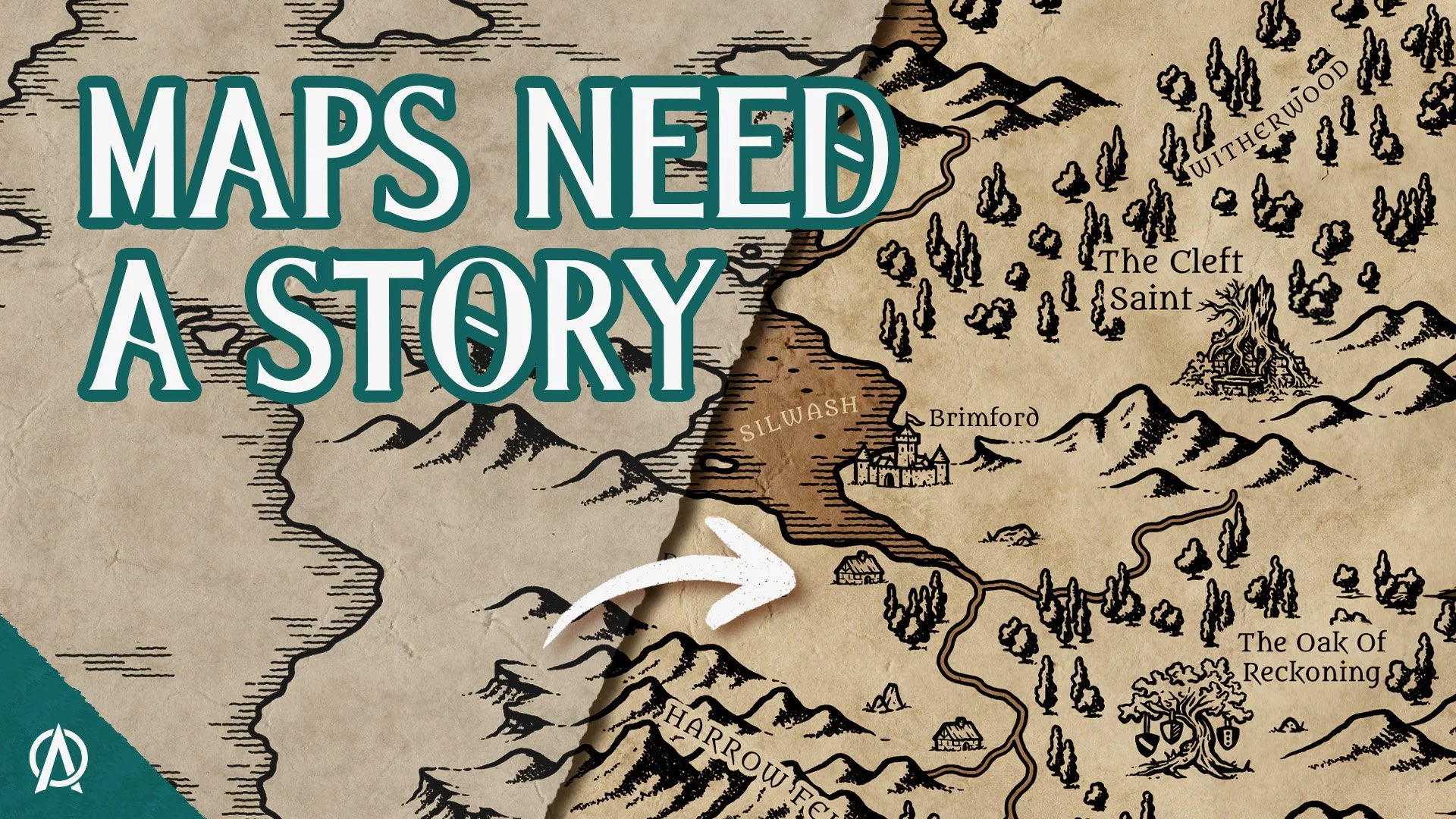
Not sure where to begin? In this tutorial, I’ll walk you through the complete process of creating your first fantasy map, from a blank page to a finished world.

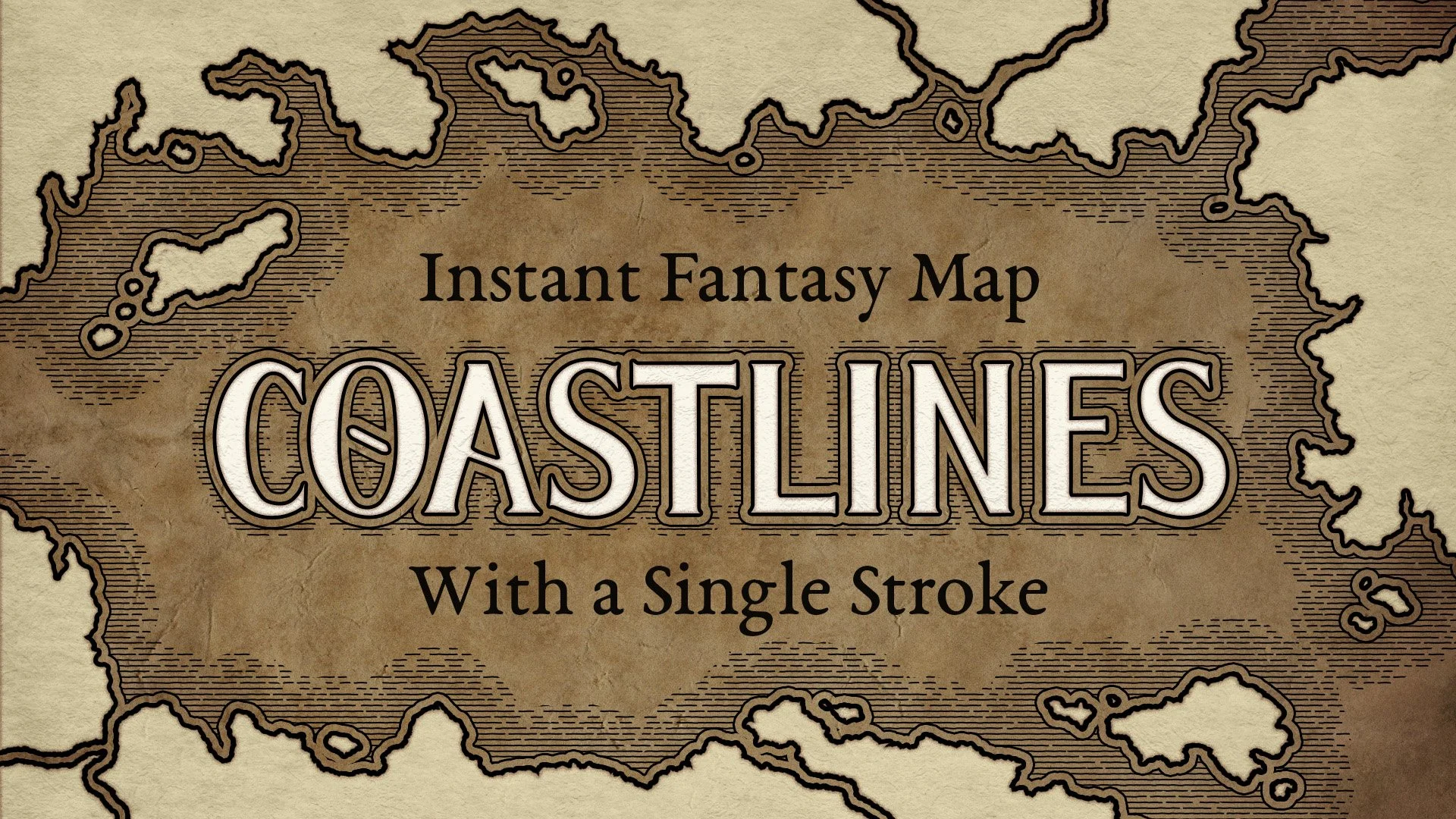
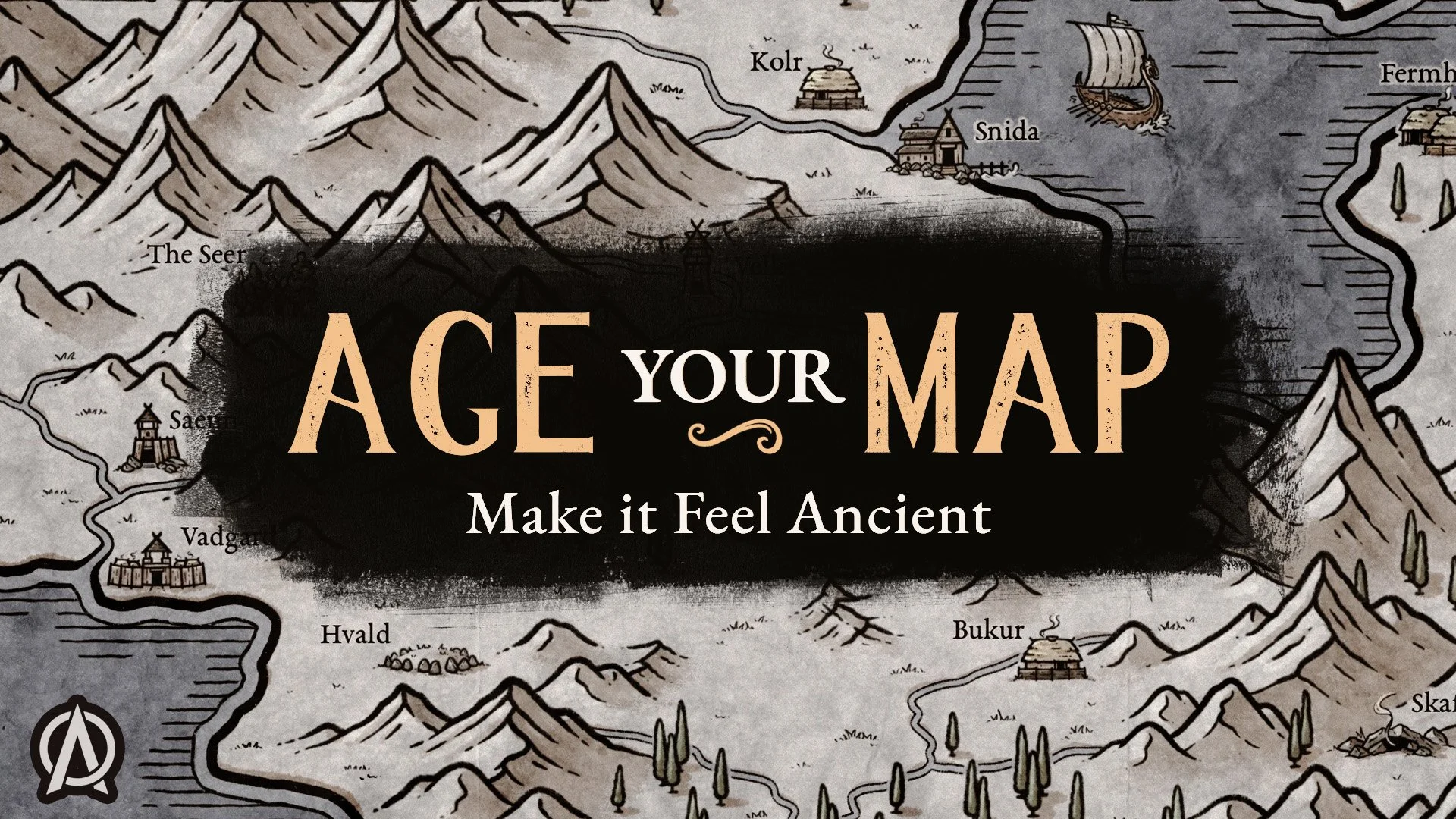
Creating your first fantasy map can feel overwhelming when you’re staring at a blank page. In this tutorial, I’ll show you how I use the Fantasy Map Builder to shape the coastline, add mountains and forests, place locations, and bring the finished map together.
I’ll be working in Photoshop, but the same basic process applies in Procreate, Affinity, Clip Studio Paint, and other compatible drawing apps.
In this tutorial you’ll learn how to:
Set up your map canvas and begin shaping the land
Place mountain ranges and forests
Add rivers, roads, and locations
Organize your layers as the map grows
Bring everything together into a finished fantasy map
Happy mapping!
- Josh